How to make product mockups free, without Photoshop
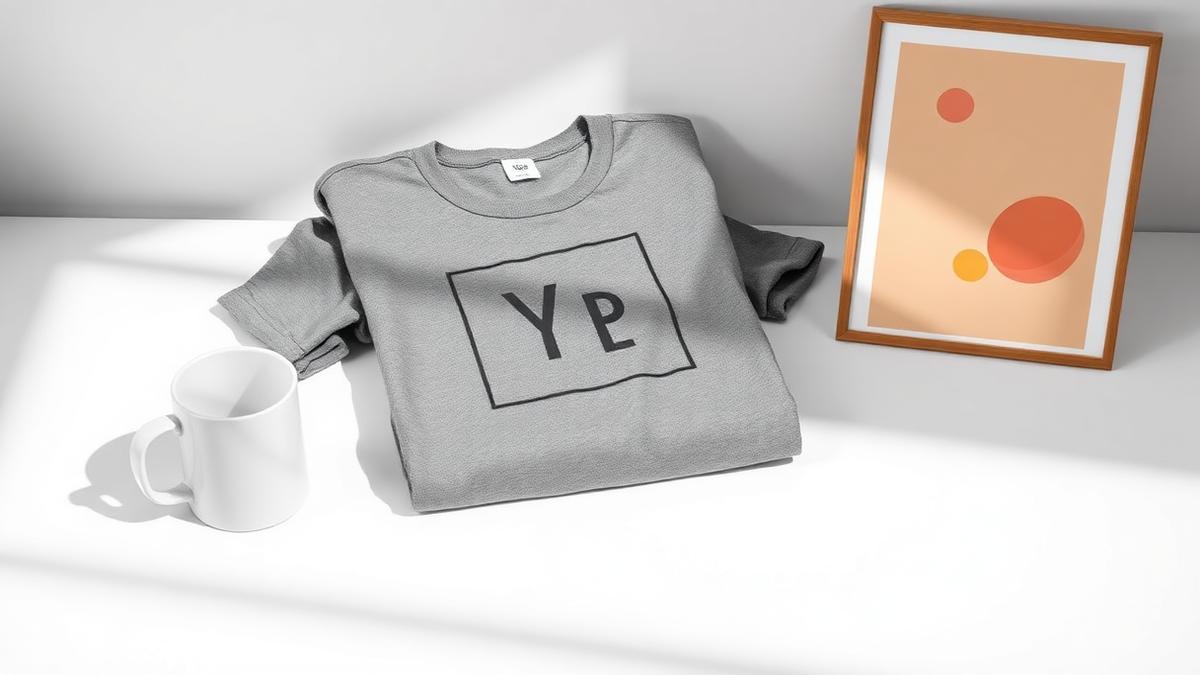
The short answer: a product mockup is a photorealistic image of your design on a product that has not been printed yet, and it is the image that sells the listing. The fastest way to make one is a mockup generator: upload your design, pick a product template, and the engine renders the design onto the product in seconds, wrapped to the surface, lit like the photo. No Photoshop, no sample order, no photographer. Free tools cover the basics; paid plans matter when you need print resolution, bulk output, or your own templates.
Print on demand runs on mockups. The product does not exist until someone orders it, so the mockup is not a preview, it is the storefront. Which makes the real question not "how do I make a mockup" but "how do I make listing-quality mockups fast enough to keep up with my design output."
What a mockup generator actually does
Under the hood, a good generator does four things:
- Maps your design to the product surface, flat on a poster, curved on a mug, tapered on a tumbler, wrinkled across a hanging tee. This mapping is what separates a believable mockup from a sticker pasted on a photo.
- Matches the lighting, so the design inherits the shadows and highlights of the product photo instead of floating on top of it.
- Keeps your design intact, colours and details unchanged, only perspective and surface applied.
- Exports at listing size, ideally in the sizes your marketplaces want.
The old way to get this was Photoshop with PSD smart-object templates, and it still works, but it is manual, per-image, and gated behind a subscription and a learning curve.
The three ways to make a mockup, compared
| Method | Cost | Speed | Best for |
|---|---|---|---|
| Mockup generator | Free to start | Seconds per image | POD sellers, fast listing production, bulk ranges |
| Photoshop + PSD templates | Subscription + templates | Minutes per image, manual | Designers who want pixel-level control |
| Photograph real samples | Sample + shipping + camera time | Days | Established brands shooting hero campaigns |
For a seller listing new designs weekly, the generator is the only one of the three that scales. And the approaches combine: many sellers generate their catalogs and photograph only their best sellers.
How to make a mockup, step by step
- Prepare the design. High resolution (print-quality artwork, ideally 3000px plus on the long side), PNG with transparency for anything that is not a full rectangle.
- Pick the template. The product, the angle, the scene. Match the template to the job: clean and frontal for marketplace listings, styled scenes for the brand feel (see our flat lay guide).
- Drop the design in and adjust. Position, scale, and where supported, recolour the product to your colourways (our colour variants guide covers why that matters).
- Export for the platform. Right size per marketplace, the specs are in the product image size guide.
Try it now: our free mockup generator runs in the browser with no signup for the first try, and the full mockup library spans 13 product categories, from tees and mugs to packaging and wall art.
The mistakes that make mockups look fake
- Wrong surface mapping. A flat design on a curved mug, the giveaway of a cheap mockup. Curved products need real surface warping.
- Mismatched resolution. A 800px design stretched onto a 3000px template turns soft. Start big.
- Ignoring the print area. If the design covers seams, collars, or zips in the mockup but cannot print there, the delivered product disappoints and the review says so.
- One angle for everything. A listing needs a set: clean front shot, styled scene, detail crop, colour range. One render repeated four times is not a set.
- Fake-looking consistency. Use the same design placement across your product line; buyers notice when the logo jumps around between products.
When free is enough, and when it is not
Free tiers, ours included, are genuinely enough to start: try designs, build first listings, and validate what sells. The paid line matters at three points: print resolution (marketplace zoom and print files need larger output than free tiers export), bulk (rendering a 50-design catalog one image at a time is an afternoon; bulk renders it in one run), and your own templates (uploading your own PSD templates with smart objects, so your existing template library becomes part of the pipeline).
For how to evaluate any free mockup tool's real limits, see our honest free mockup generator checklist.
Frequently asked questions
How can I make a product mockup for free? Use a browser mockup generator: upload your design, pick a product template, download the render. Our free tool needs no signup for the first run and no Photoshop at any point.
What is the difference between a mockup and a product photo? A product photo shows a physical item that exists. A mockup renders your design onto a product image before anything is printed. For print on demand, mockups are the standard, since items are produced only after the order.
Can I use mockups on Etsy and Amazon? Yes, mockups are standard practice on both. On Amazon the main image must look like a clean product shot on pure white, which a good mockup satisfies. Just make sure the mockup honestly represents the deliverable product.
What resolution should my design be for mockups? As large as you have, ideally 3000 pixels or more on the long side. The design can always be scaled down inside the template, but a small file scaled up turns blurry on both the mockup and the printed product.