Product image size guide for Etsy, Amazon, and Shopify (2026)
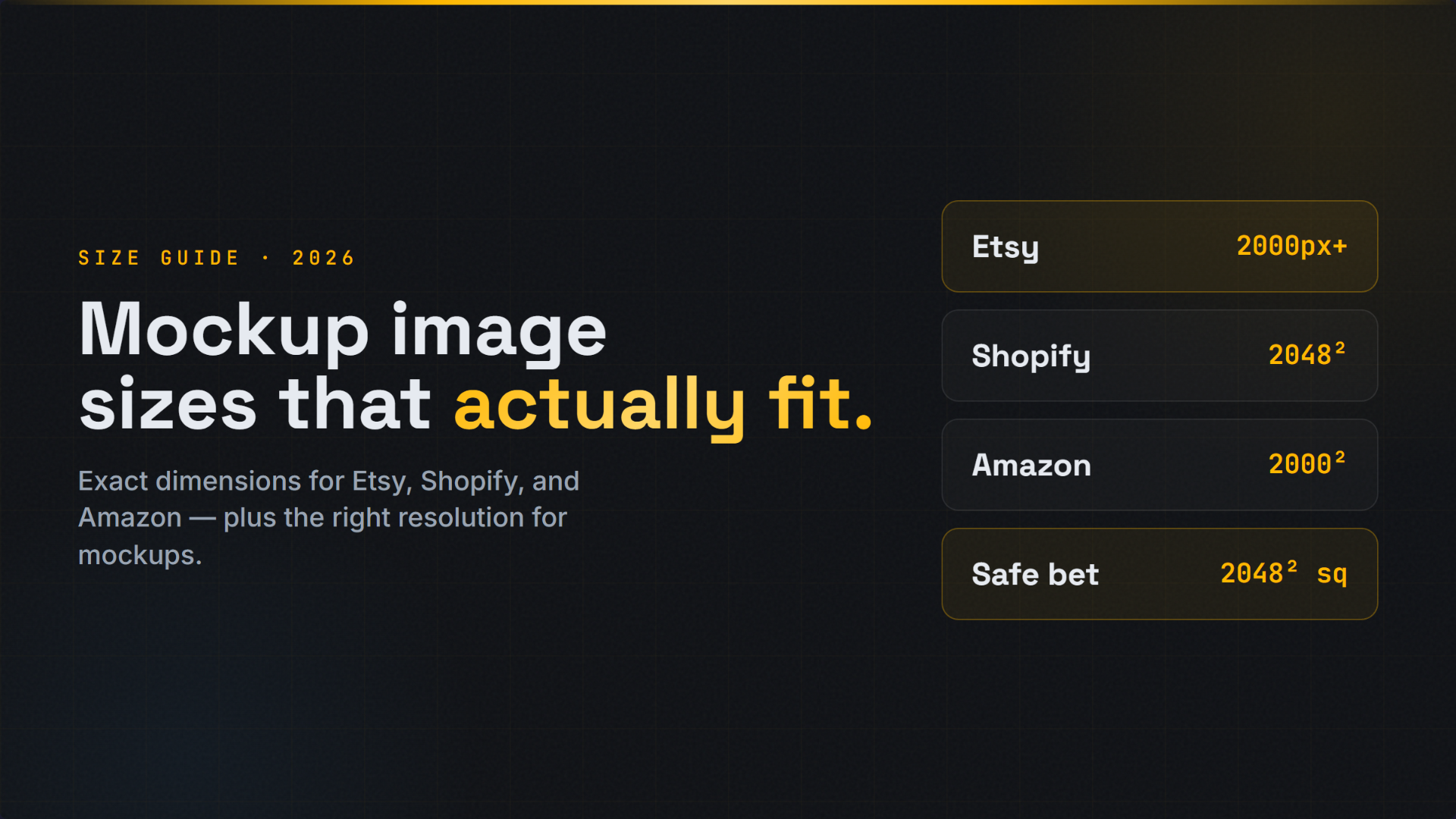
The short answer: upload a square image at least 2000 x 2000 pixels and you will meet or beat the requirements of almost every marketplace. Etsy wants at least 2000 pixels on the shortest side, Amazon wants at least 1600 pixels on the longest side on a pure white background, and Shopify recommends 2048 x 2048. One high-resolution square file, resized per platform, covers you everywhere. The full spec for each platform is below.
If you sell the same design across several marketplaces, the wrong image size costs you in two ways: a listing that looks soft and unprofessional, and a platform that rejects or downranks the image. This guide gives you the exact size, aspect ratio, and file format for each major platform, plus the one setup that works nearly everywhere so you can stop guessing.
The one image size that works almost everywhere
A square image, 2000 x 2000 pixels, saved as a JPG is the closest thing to a universal product image. Here is why it works:
- It exceeds Etsy's 2000 pixel minimum on the shortest side.
- It exceeds Amazon's 1600 pixel recommendation on the longest side, which is what unlocks hover-to-zoom.
- It sits just under Shopify's recommended 2048 x 2048, close enough to look identical.
- Square (1:1) is the safest ratio because marketplace thumbnails are square or near-square, so nothing important gets cropped out.
Start every product image at 2000 x 2000 or larger, then resize down per platform. You can always shrink a large image cleanly. You cannot enlarge a small one without it going blurry.
Product image sizes by platform
| Platform | Recommended size | Aspect ratio | Format | The rule that trips people up |
|---|---|---|---|---|
| Etsy | 2000 x 2000 px (2000px+ shortest side) | 1:1 square | JPG, PNG | The thumbnail crops to landscape, so keep the product centered with margin |
| Amazon | 1600 x 1600 px (1600px+ longest side) | 1:1 square | JPEG | Main image must be a pure white background and the product fills about 85% of the frame |
| Shopify | 2048 x 2048 px | 1:1 square | JPEG, PNG, WebP | Keep all product images the same size so the grid looks even |
| eBay | 1600 x 1600 px | 1:1 square | JPEG | 500px minimum on the longest side, but 1600px enables zoom |
| TikTok Shop | 1000 x 1000 px or larger | 1:1 square | JPEG, PNG | A clean, uncluttered background performs best |
| 1000 x 1500 px | 2:3 vertical | JPEG, PNG | Vertical pins get far more reach than square | |
| Instagram (feed) | 1080 x 1080 or 1080 x 1350 | 1:1 or 4:5 | JPEG | Portrait 4:5 takes more feed space and gets more attention |
| Redbubble / print | 300 DPI at print size | per product | PNG | Print files are DPI-based, not pixel-based |
Marketplaces update their requirements from time to time, so confirm the current numbers in each platform's own seller help pages before a big launch. The sizes above are the long-standing recommended values as of 2026.
Etsy image size requirements
Etsy recommends product images of at least 2000 pixels on the shortest side, and displays images up to roughly 3000 pixels wide, so bigger is better. You can add up to 10 images per listing.
The detail most sellers miss: Etsy crops your first image into a landscape thumbnail in search and category grids. If your product touches the edges of a square, the sides get cut off in that crop. Leave breathing room around the product and keep it centered, so the thumbnail always shows the whole thing.
Accepted formats are JPG, PNG, and GIF. Use JPG for photographs and mockups, and PNG only when you need a transparent background.
Amazon image requirements
Amazon is the strictest, because the main image has hard rules:
- Pure white background, RGB 255, 255, 255. Not off-white, not light grey.
- The product fills about 85% of the frame.
- No text, logos, watermarks, borders, or props on the main image.
- At least 1000 pixels on the longest side to enable hover zoom, and 1600 pixels is the recommended target for the best zoom quality.
Your secondary images (the other slots) can show lifestyle scenes, infographics, and detail shots, so save the storytelling for those and keep the main image clean and compliant. Amazon prefers JPEG for product photos.
If your photo has a busy or colored background, you need to isolate the product on white before it will pass. That is a one-click job with a background remover and a white-background tool, rather than a reshoot.
Shopify image size
Shopify recommends square product images at 2048 x 2048 pixels, and supports images up to 20 megapixels and 20 MB. Because your own store controls the layout, the most important thing is consistency: use the same dimensions and the same background treatment for every product so your collection grids look tidy and professional. Shopify accepts JPEG, PNG, and WebP, and WebP is worth using because it keeps quality high at a smaller file size, which helps your store load faster.
What file format should you use?
- JPG (JPEG): the default for product photos and mockups. Small files, great quality, universally accepted. Use this unless you have a specific reason not to.
- PNG: use only when you need a transparent background, for example a cut-out product you will place on different colors. PNG files are much larger.
- WebP: the modern choice where the platform supports it (Shopify, your own site). Smaller than JPG at the same quality, which speeds up page load.
How to resize images for every marketplace at once
Resizing one design into seven different platform sizes by hand is slow and easy to get wrong. Our free Marketplace Resize tool takes one image and outputs the correct size and ratio for Etsy, Amazon, Shopify, and 50-plus other platforms in one step. And if you need to isolate a product on pure white for Amazon, the free Amazon white background tool does it in one click.
If you are still creating the product images themselves, our mockup library lets you drop your design onto real product mockups and export them already sized for your marketplace, so the image is listing-ready from the start.
Other platforms and print
Redbubble and print products: print files are judged in DPI, not pixels; aim for 300 DPI at the printed size. Printify and similar POD platforms: follow the specific template dimensions per product, and upload the largest file you have.
Common sizing mistakes
| Mistake | Fix |
|---|---|
| Exporting at screen resolution (72 DPI, ~1000px) | Export at 2048px+ for listings |
| Using the same web image for print | Export a separate 300 DPI print file |
| Inconsistent aspect ratios across a store | Pick one ratio (square is safest) and keep it |
| Upscaling a small image to "make it bigger" | Always generate from a high-res master |
| Ignoring the Amazon white-background rule | White main image, lifestyle in secondary slots |
| Heavy files that fail to upload | Keep Etsy images under 1MB |
Frequently asked questions
What is the best image size for product listings? A square image at 2000 x 2000 pixels is the best all-round size. It meets or exceeds the requirements of Etsy, Amazon, Shopify, eBay, and most other marketplaces, and the square ratio avoids thumbnail cropping.
What size do Amazon product images need to be? At least 1000 pixels on the longest side to enable zoom, with 1600 pixels recommended. The main image must be on a pure white background with the product filling about 85 percent of the frame.
What is the Etsy recommended image size? At least 2000 pixels on the shortest side. Etsy displays images up to about 3000 pixels wide, so larger images look sharper.
Should product images be JPG or PNG? Use JPG for photos and mockups. Use PNG only when you need a transparent background, since PNG files are much larger.