Free AI Product Creator Tools
Free browser tools for print on demand and marketplace sellers - mockups, backgrounds, recolors, cleanup, and marketplace sizes. You get one free run per tool per day and no sign-up is needed to try them. Sign up free for more runs and no watermark.
Tools
Templates and converters for print on demand sellers, from tumbler wraps to PSD conversion.
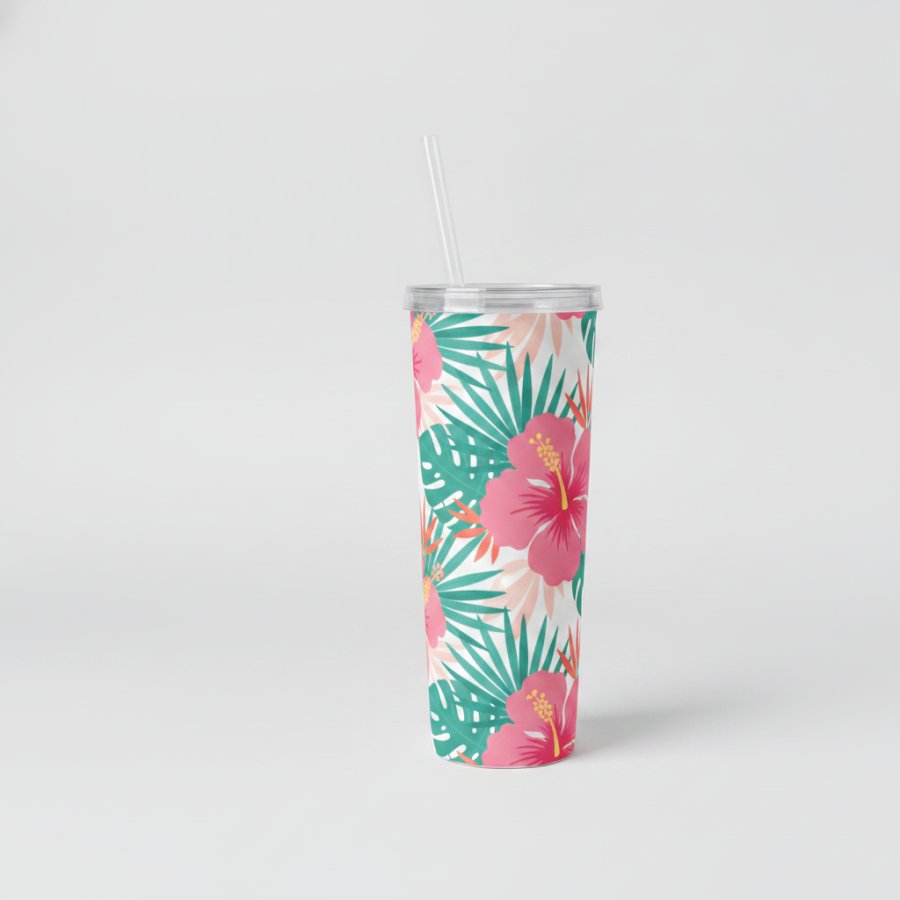
Tumbler Wrap Template
Skinny tumblers are cone shaped, so a flat rectangular design will not wrap onto them cleanly: edges gap, patterns skew, and the seam never meets.
Open tool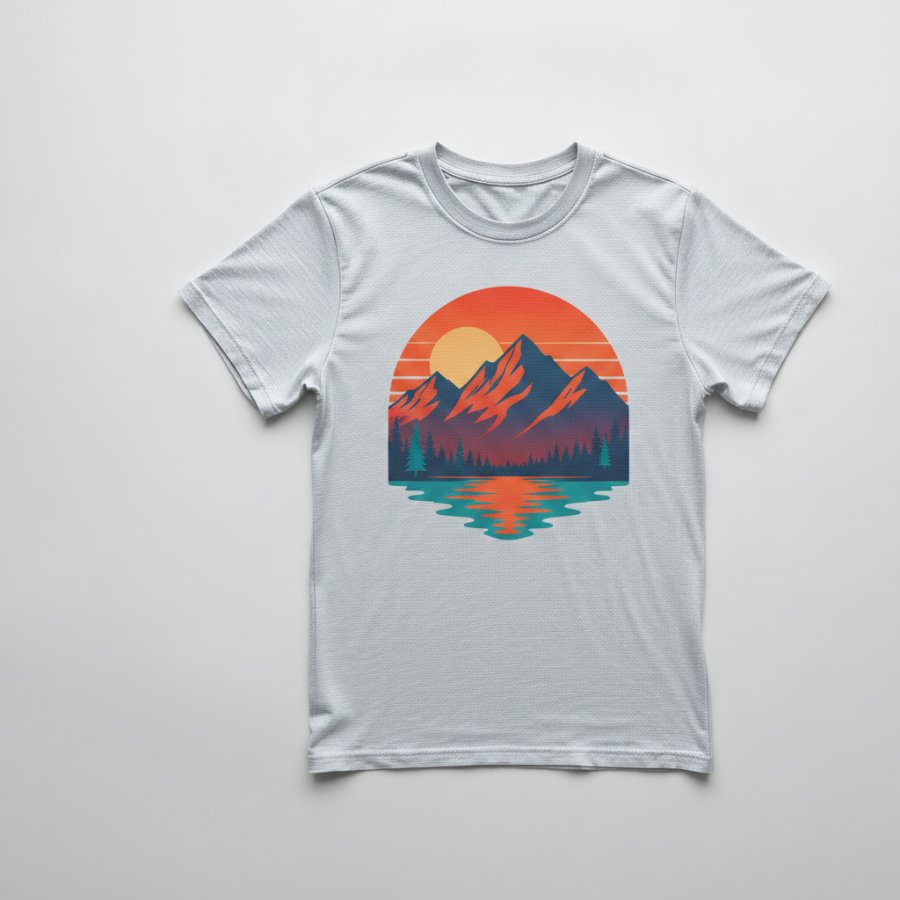
Mockup Generator
A mockup shows your design on a real product before that product exists, and it is the image that sells the listing.
Open tool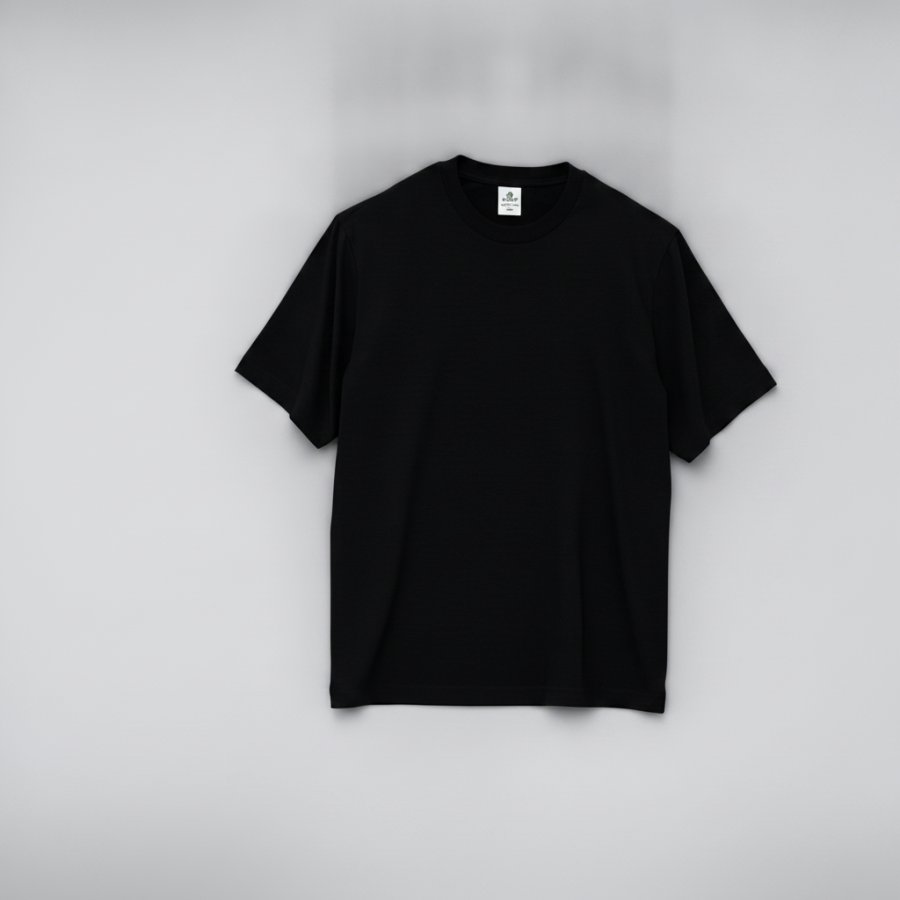
Print Remover
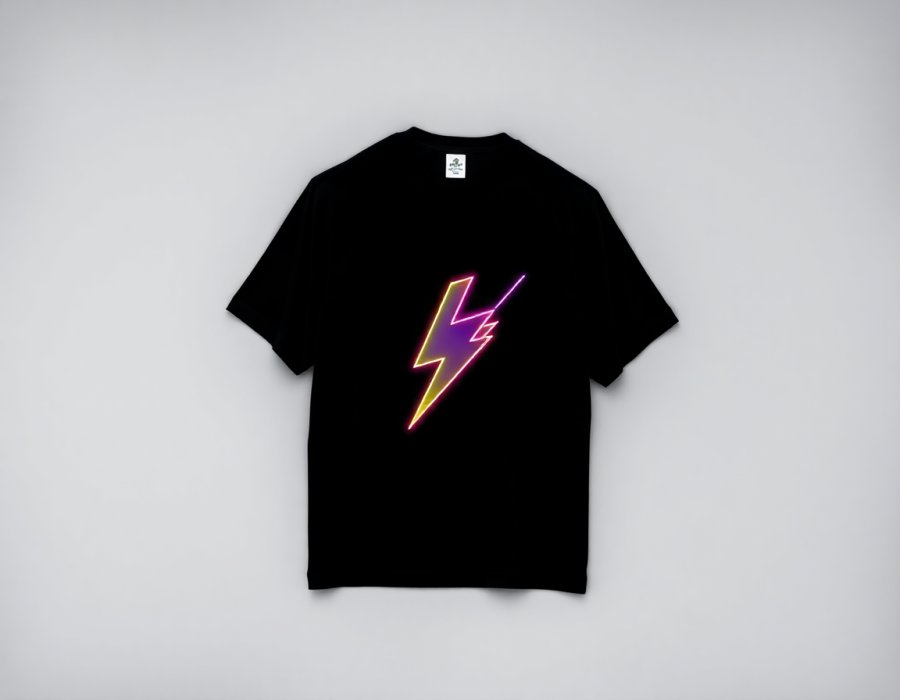
A great garment photo with the wrong design on it is one step from being a great blank template, and this tool helps turn existing clothing photos into reusable blanks without manual editing.
Open tool
PSD to Image
A PSD is Photoshop's layered working file, and marketplaces, printers, and social platforms cannot read it.
Open toolScenes & Backgrounds for Clothing Photography
Put your product into generated scenes, backgrounds and flat lays.
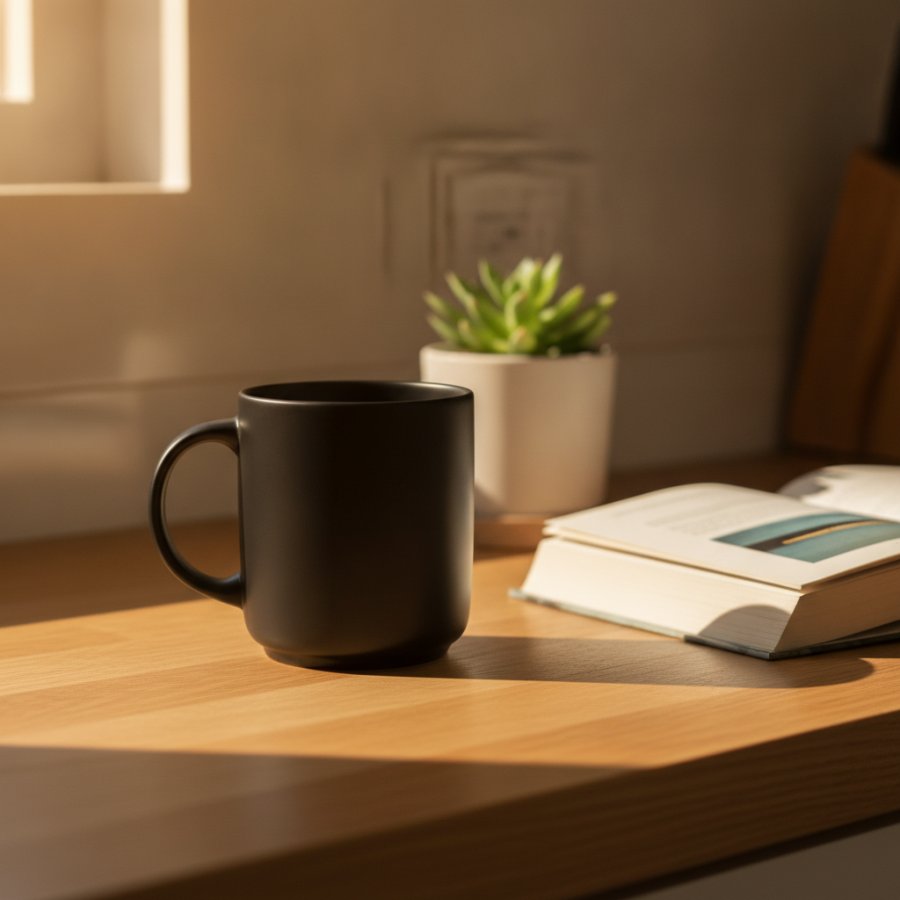
Product Background Generator
A product photo is only half the listing; the background helps create visually appealing images for product listings and product pages, and cleaner backgrounds also support e-commerce presentation.
Open tool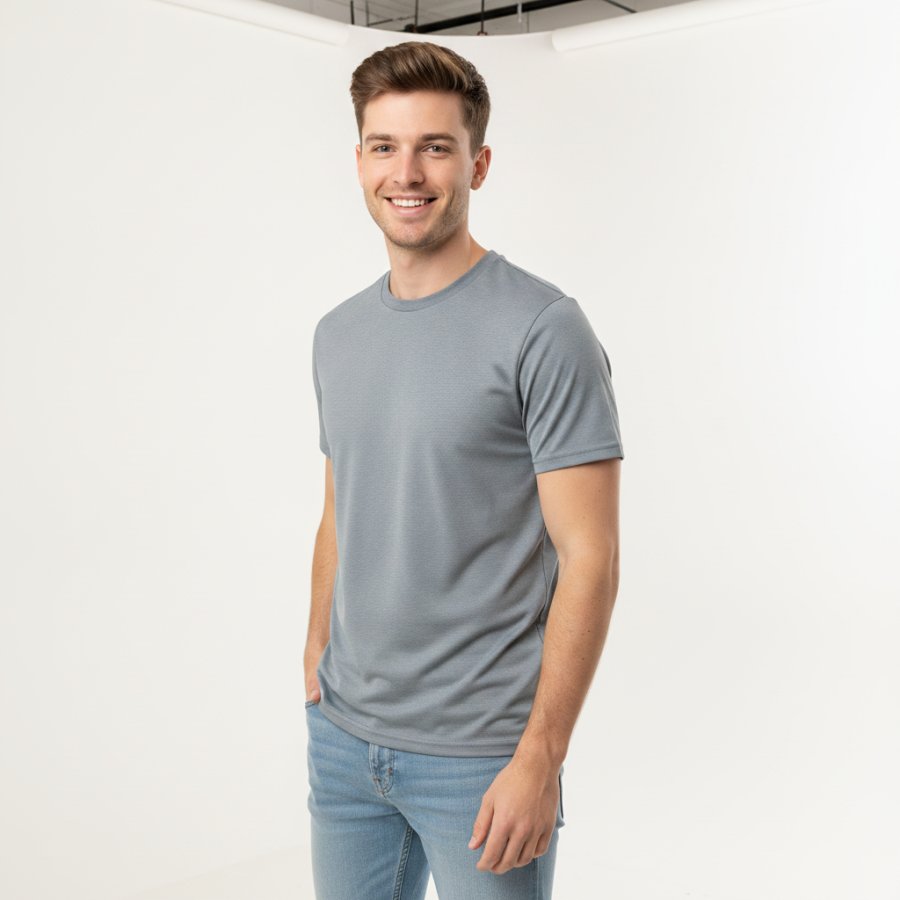
Place Product in Scene
A product floating on white tells a buyer what it is; a product in a real scene tells them whose life it belongs in, which makes it useful for social ads and polished brand pages. Small businesses also use scene-based images to get a more professional look without a full studio shoot.
Open tool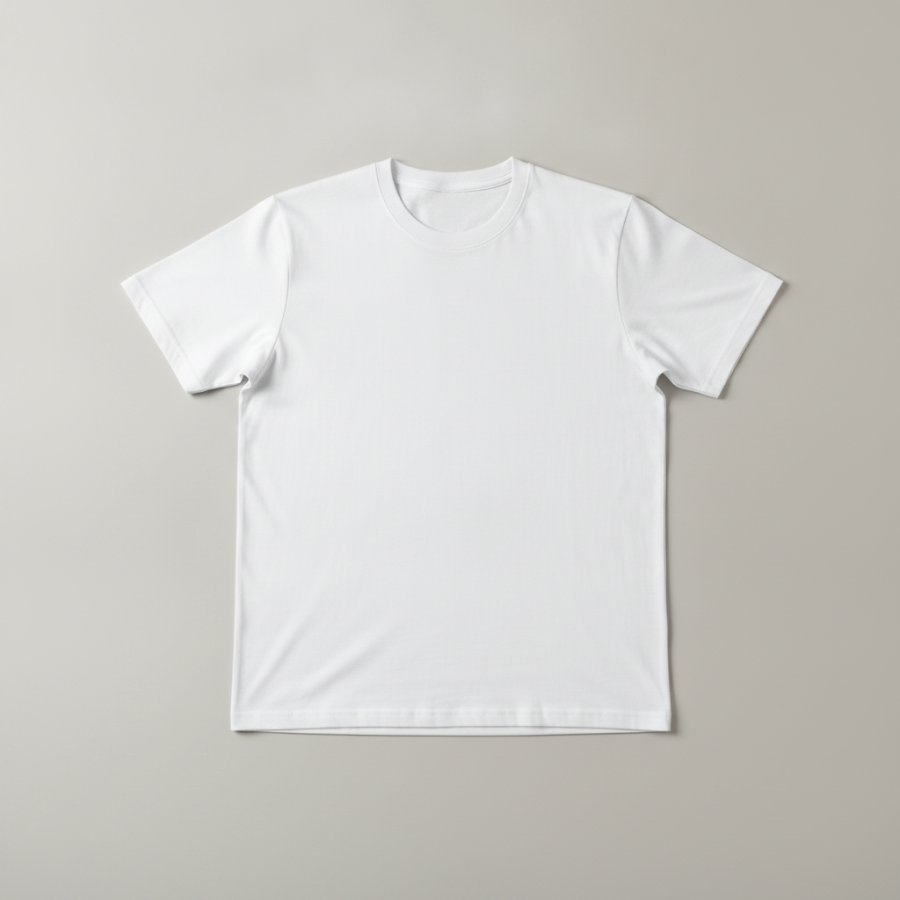
AI Flat Lay Generator
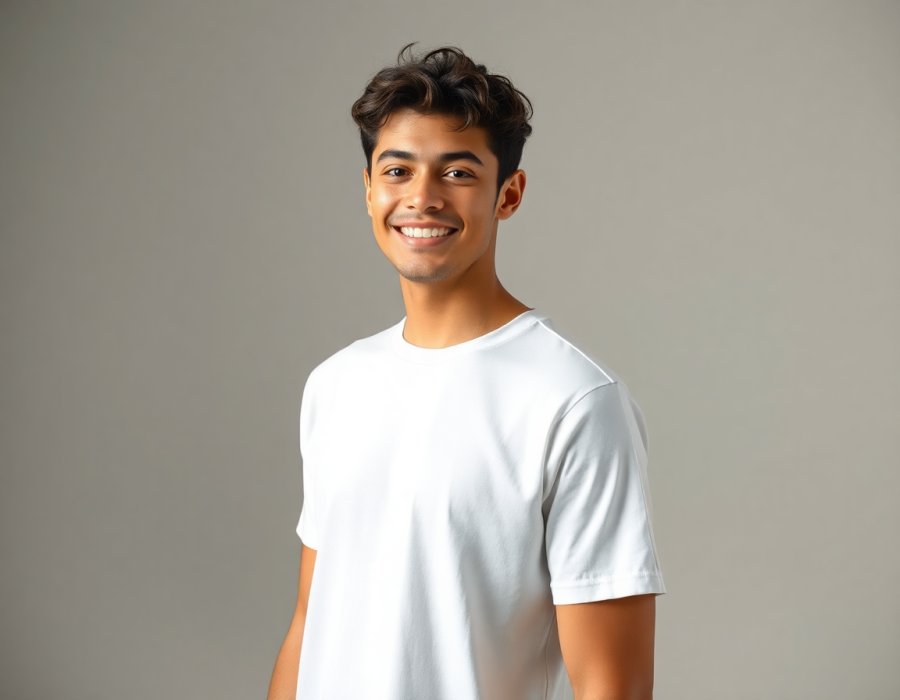
Flat lay photos, the top-down shot of a garment laid out on a styled surface, are one of the best-converting image styles for apparel listings, and if you do not want to shoot flat lays manually, they normally need a camera rig, good light, and an afternoon of styling.
Open tool
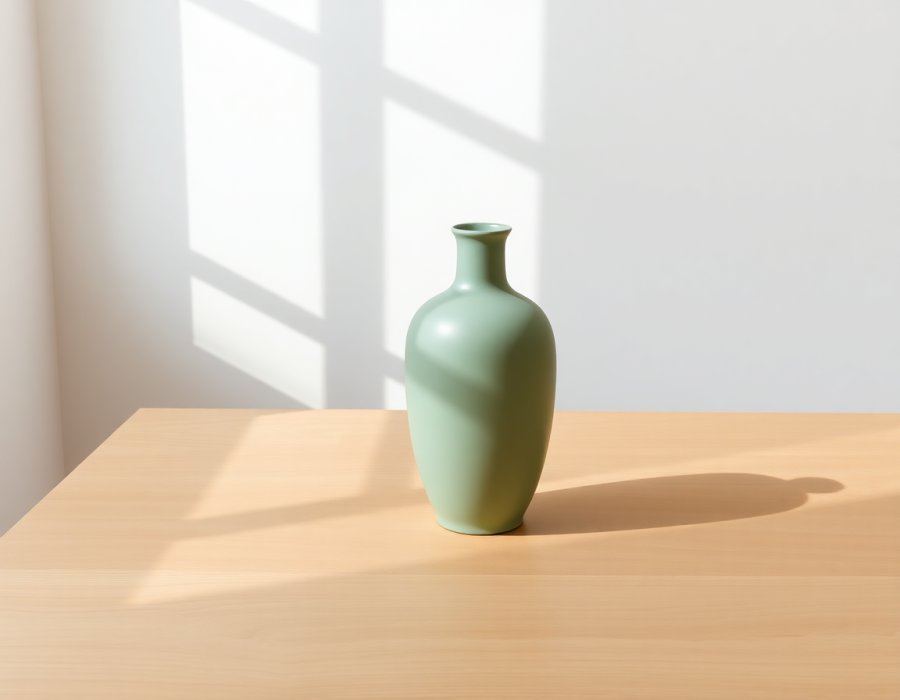
Empty Background Generator
Reuse a great backdrop across your whole catalog.
Open toolProduct Edits
Change colors, remove objects, relight and retouch product photos.
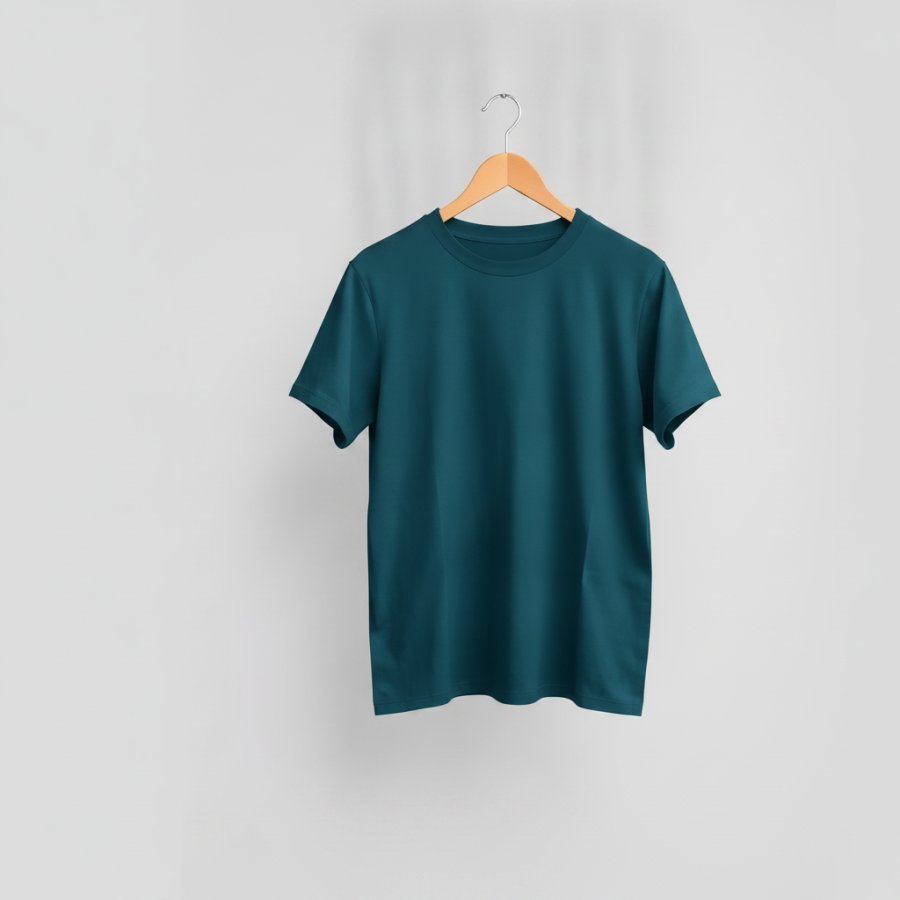
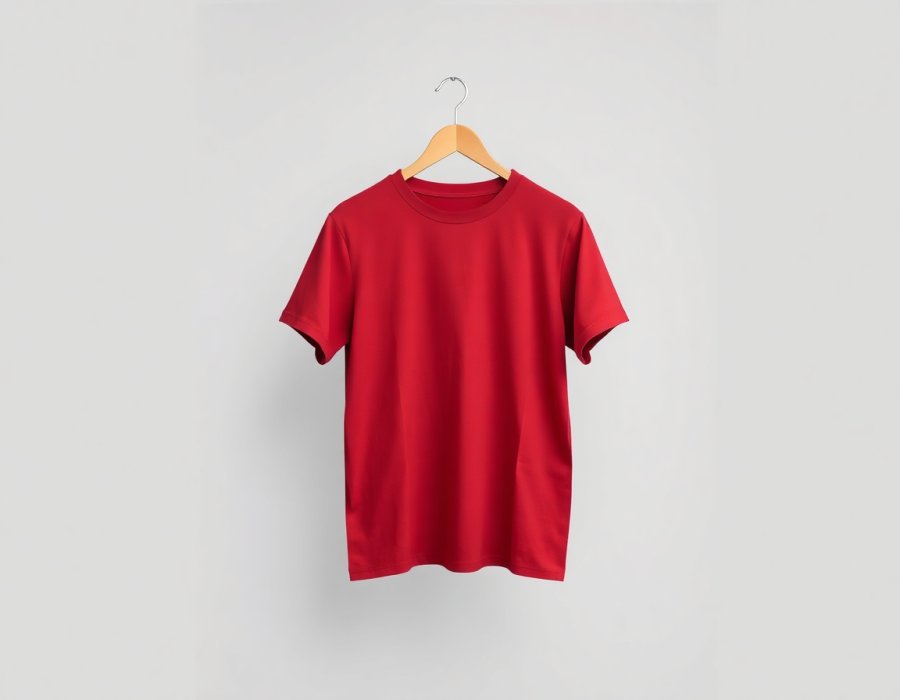
Change Product Color
The fastest way to lose a buyer is not stocking their colour; the second fastest is stocking it but not showing it.
Open tool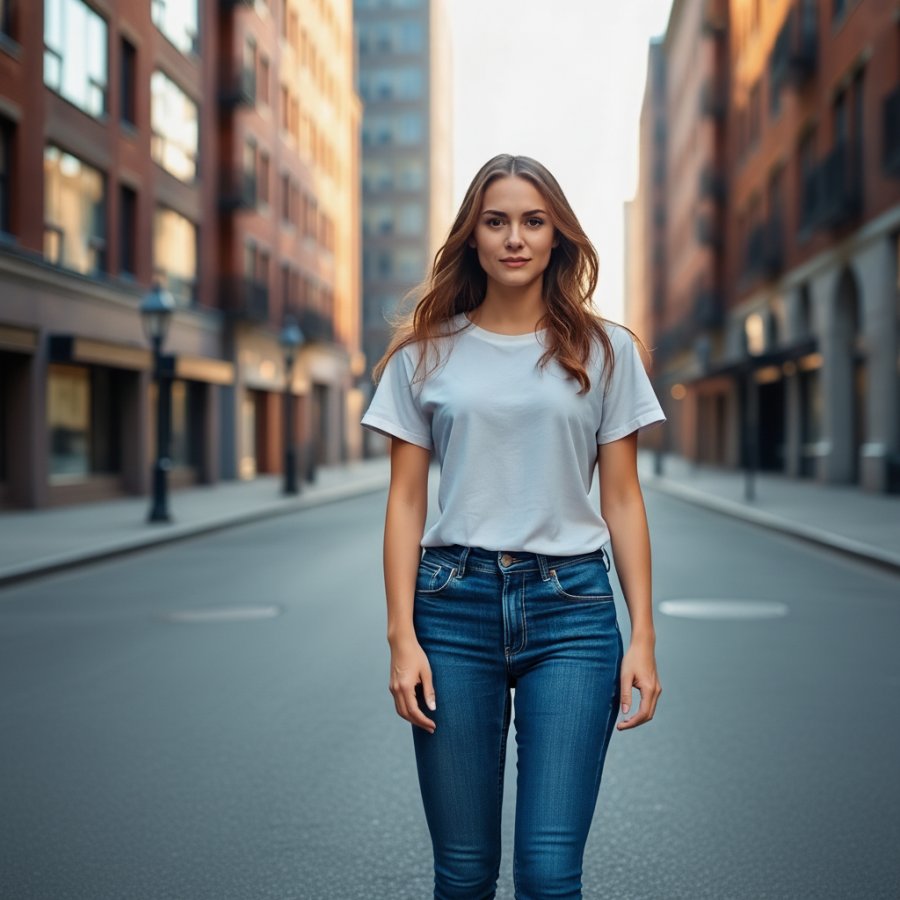
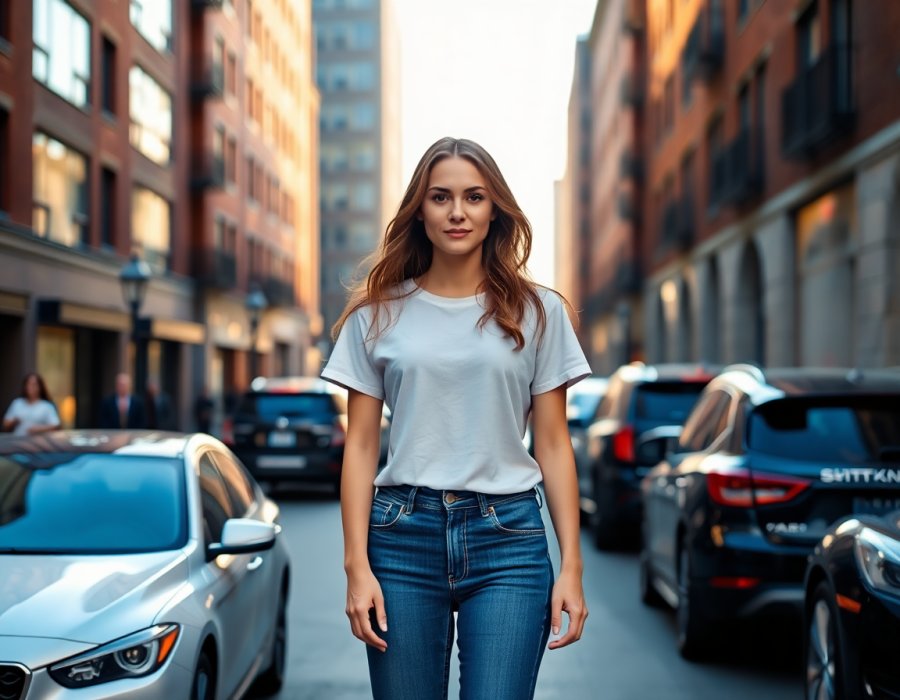
Add or Remove Objects
Fine-tune what's in your product shot. Adjust the layout of props or accessories in the shot.
Open tool
Relight & Restyle
Fix flat lighting or restyle a product photo for a different brand style without a reshoot or additional editing.
Open tool
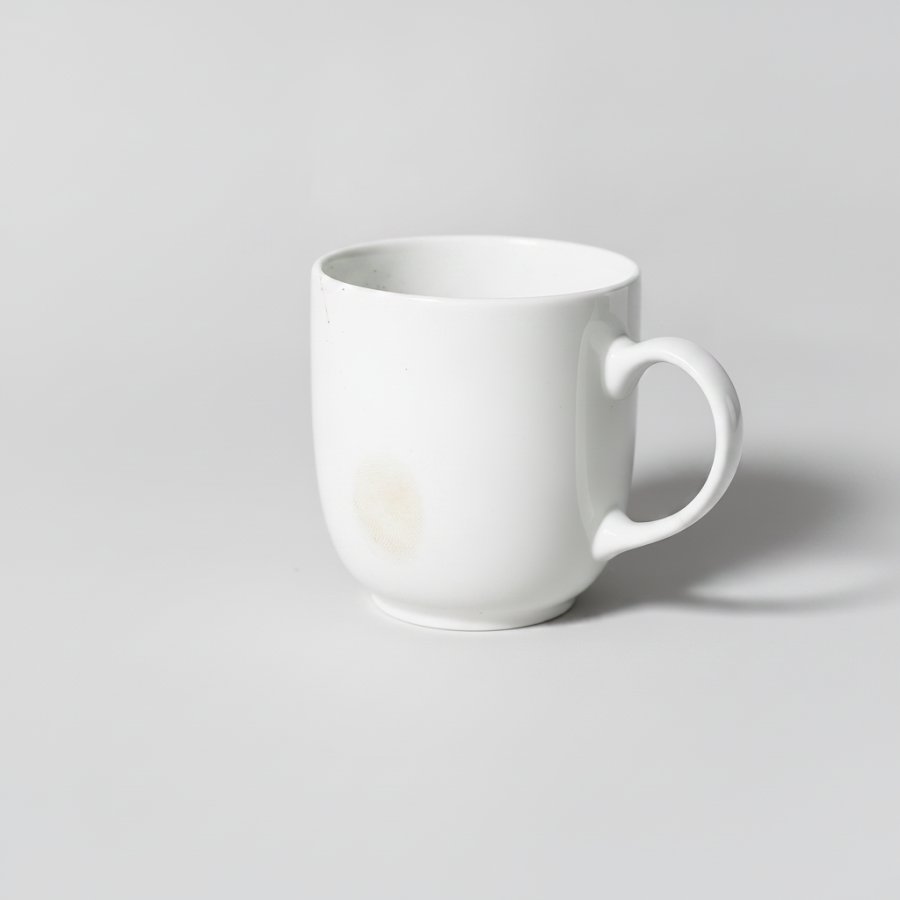
Photo Retouch
Clean up the small stuff that cheapens a listing - quick post-production cleanup that removes small defects and sharpens product details so the image looks cleaner and more polished.
Open toolCleanup & Enhance
Backgrounds, upscaling, shadows, wrinkles and marketplace compliance, fixed in one click.
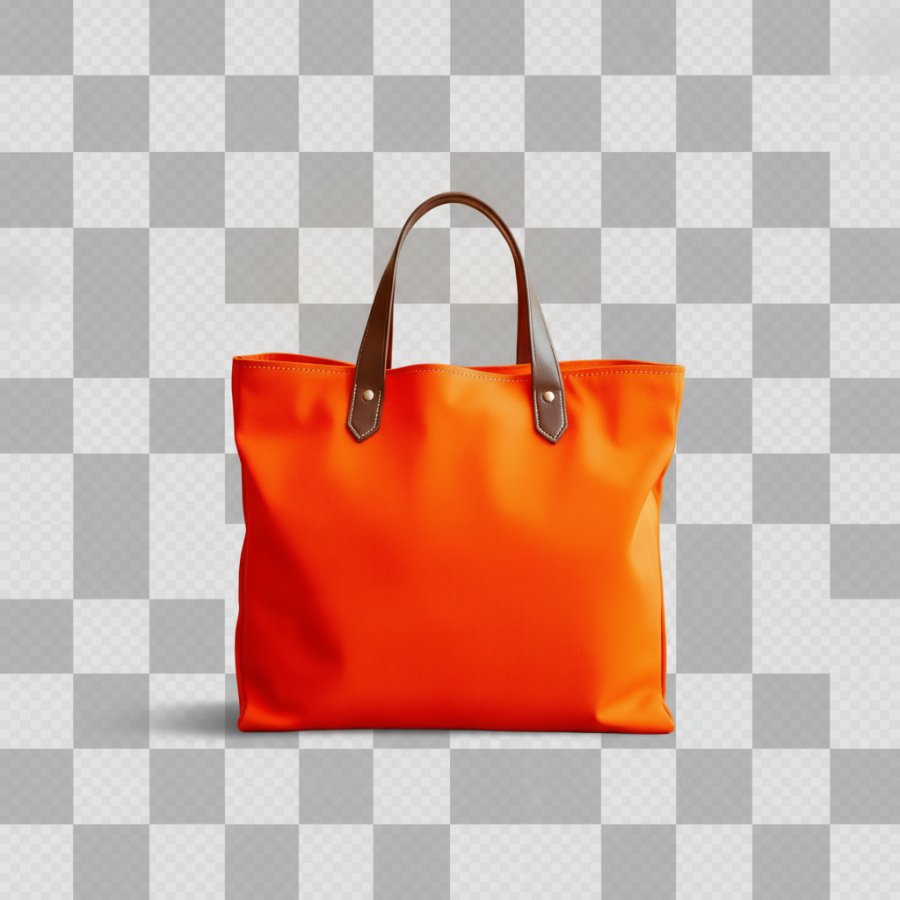
Remove Background
Get a clean transparent cut-out in one click with automatic background removal for cleaner product images.
Open tool
Enhance Photo
Make dull phone photos look professionally shot, with professional photography results from phone photos and no editing skills needed.
Open tool
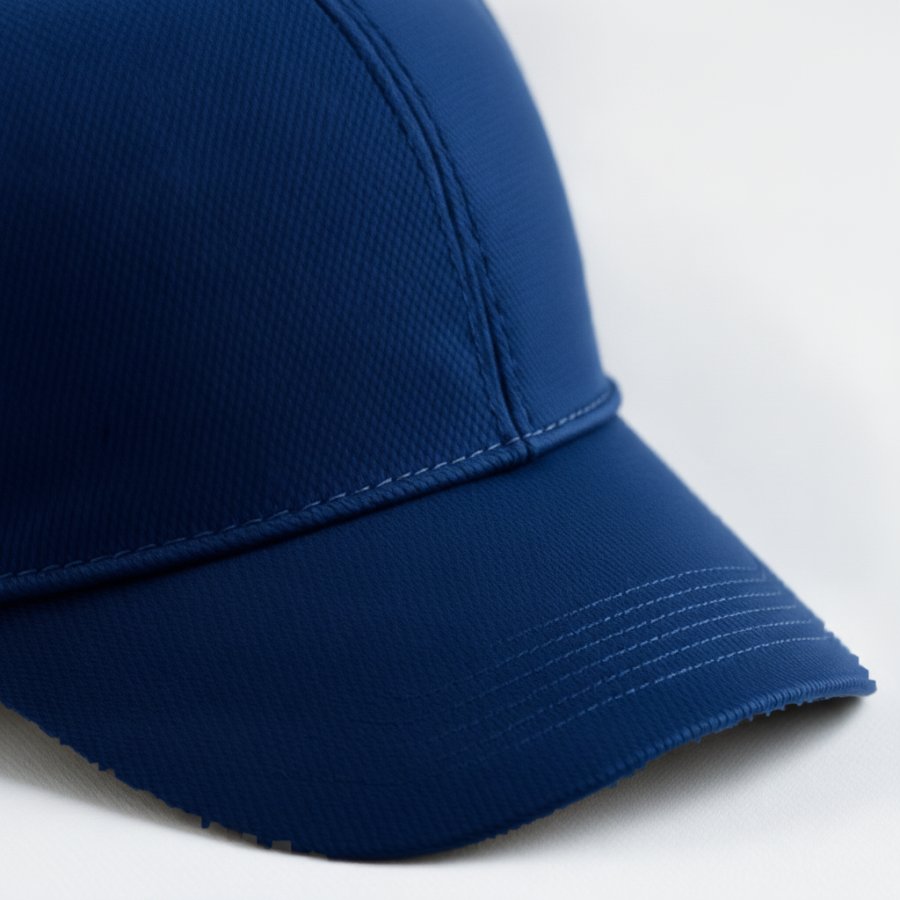
Upscale
Turn small or blurry product photos into crisp, high-resolution, download-ready product images, though full-resolution downloads or extended use may require a paid plan.
Open tool

Marketplace Resize
Every platform wants a different image size: Etsy wants 2000 pixels on the shortest side, Amazon wants 1600 plus on the longest on pure white, Shopify likes 2048 square, Pinterest wants vertical.
Open tool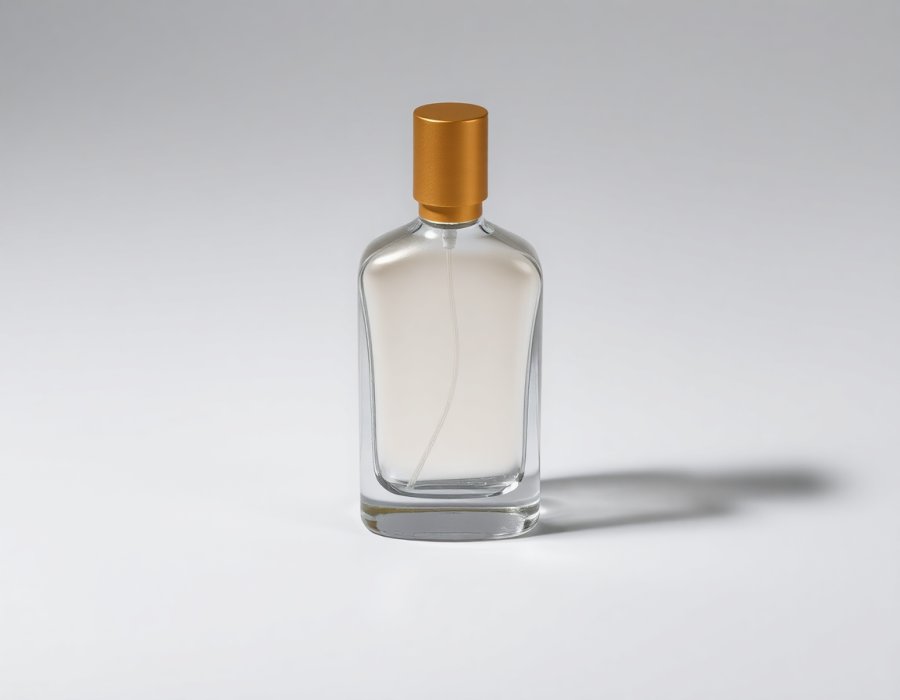
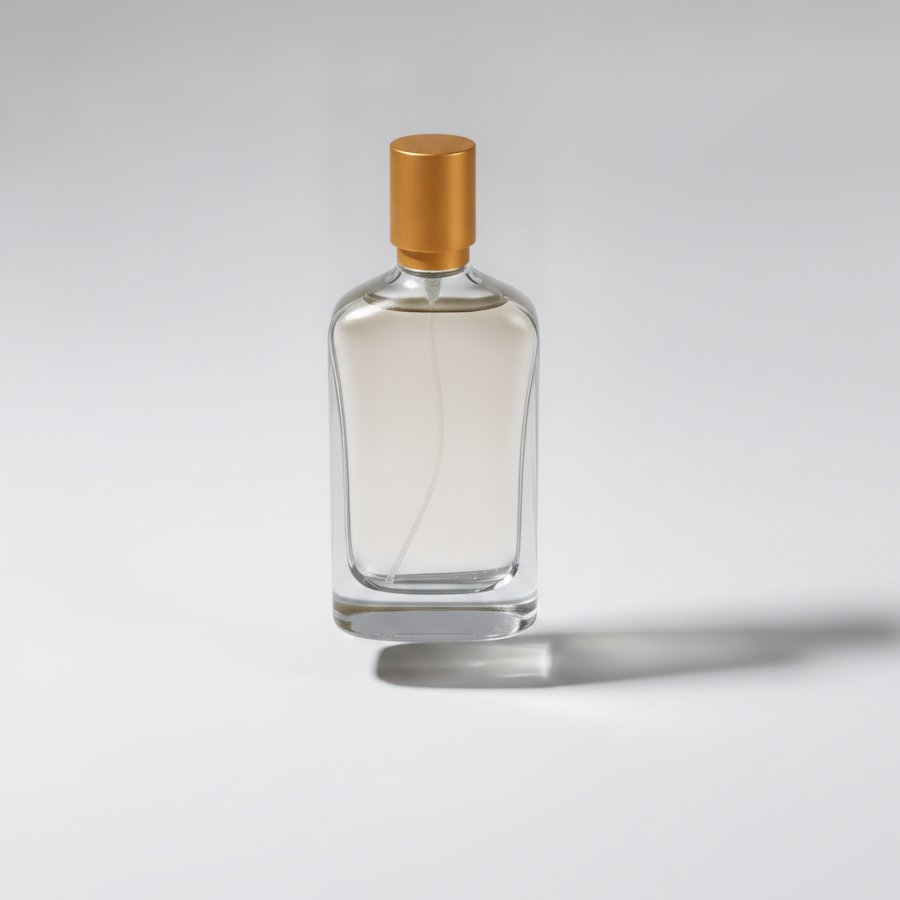
Add Shadow
Give cut-out products a natural, grounded look.
Open tool

Object Eraser
Erase anything by brushing over it.
Open tool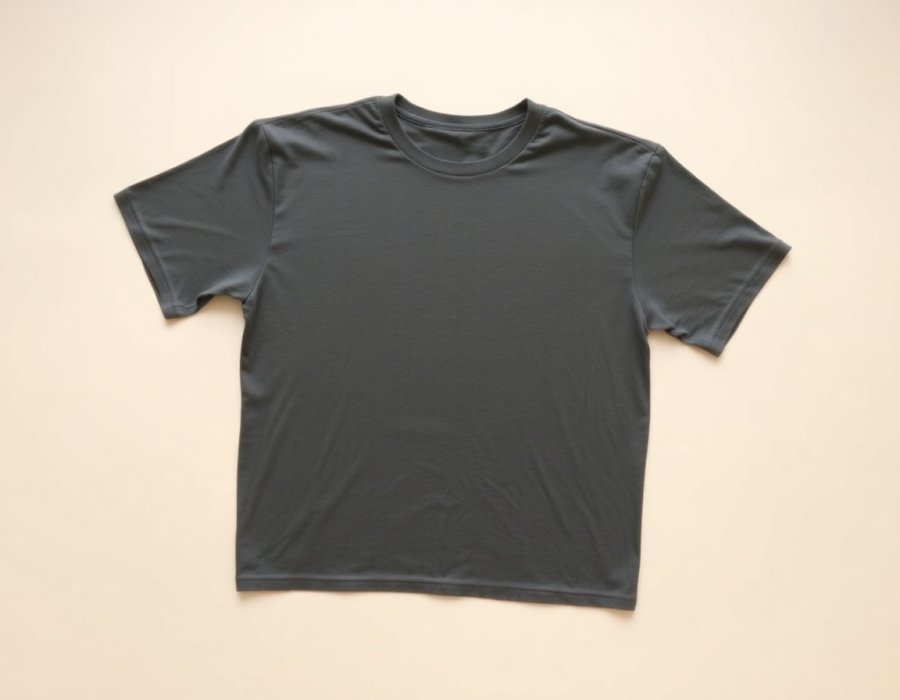
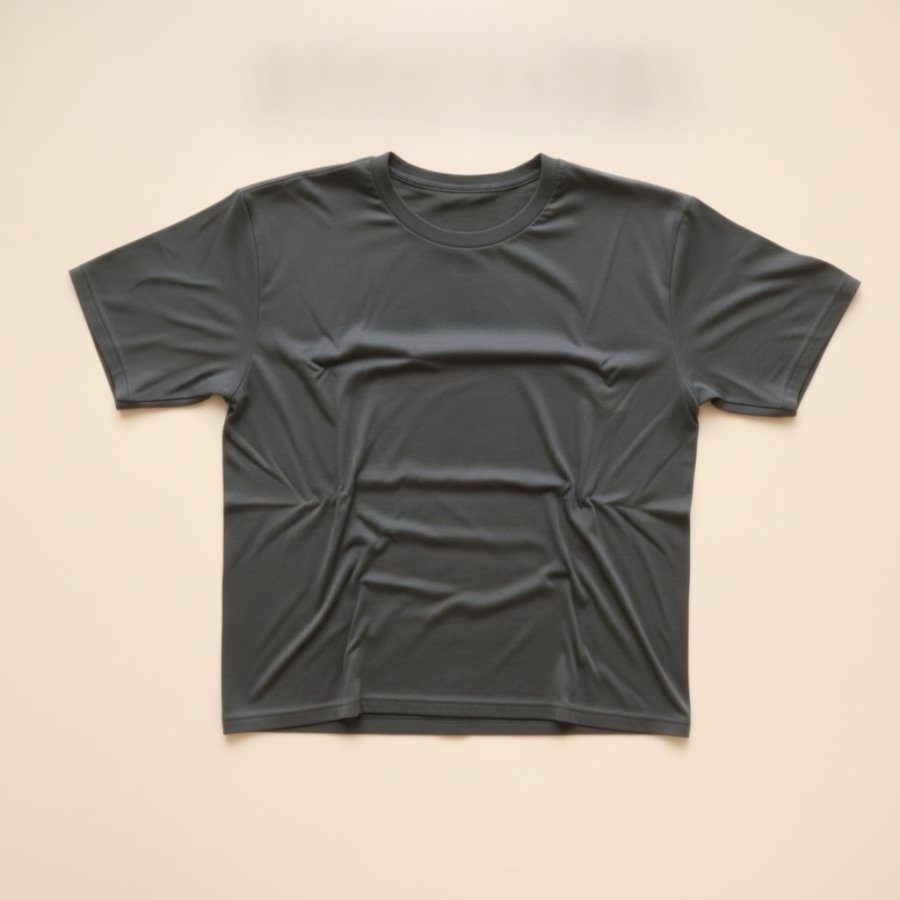
Shirt De-wrinkle
A wrinkled shirt in a listing photo quietly says "arrives wrinkled", and buyers listen; wrinkle cleanup helps it look freshly prepared and keeps garment details visible.
Open tool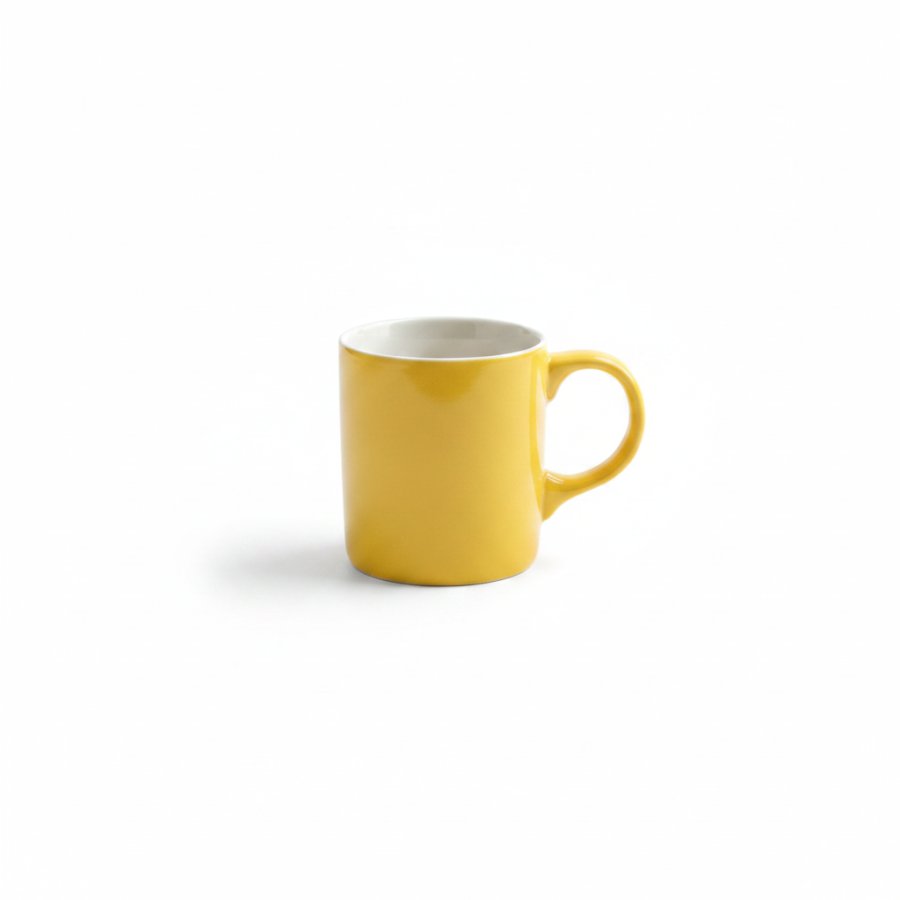

Amazon White Background
Amazon requires the main product image on a pure white background, RGB 255, 255, 255, with the product filling about 85% of the frame, and it can suppress listings that break the rule.
Open toolCompose
Bundle shots, color variant grids, before and after and size comparison images.
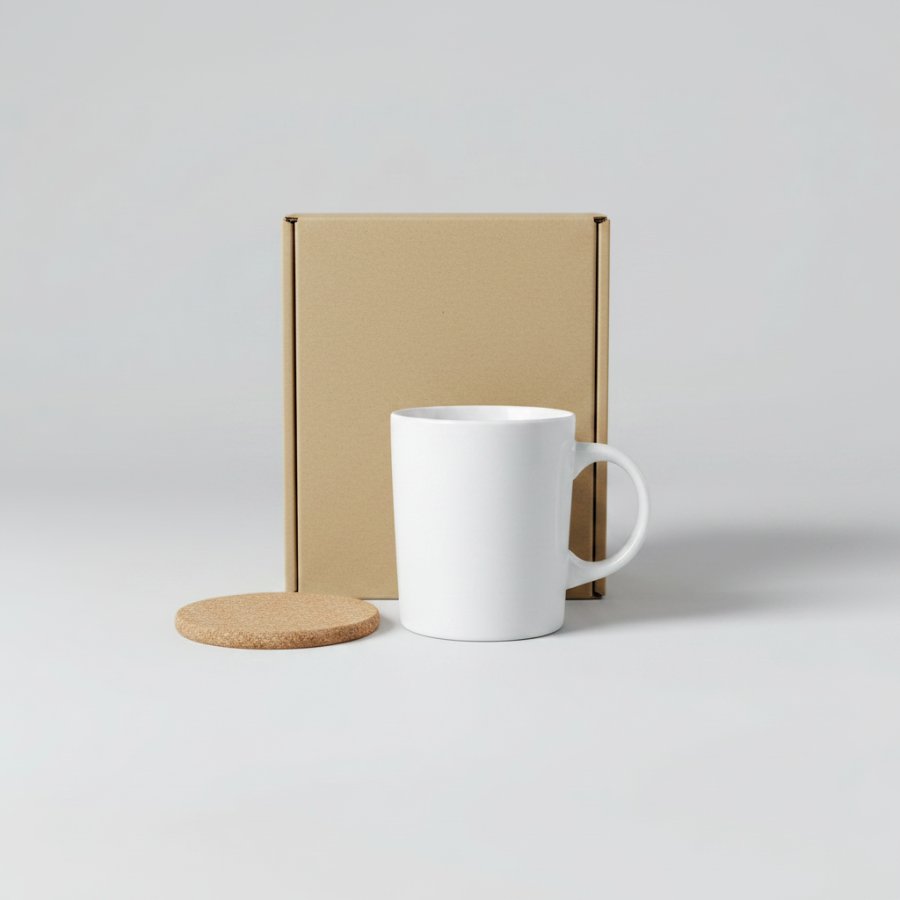
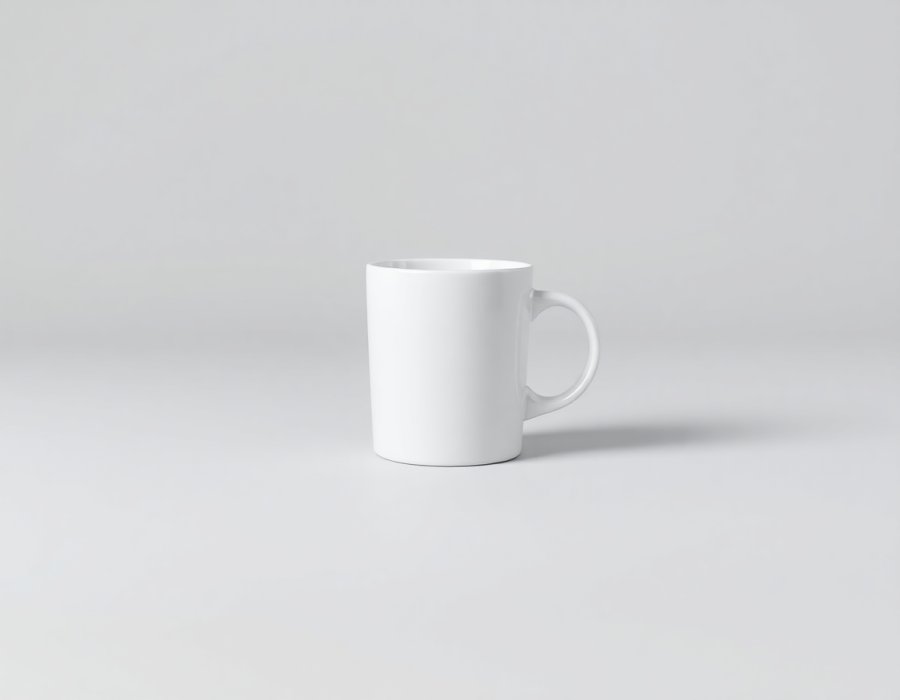
Bundle Image Maker
Bundles sell, but a bundle listing needs one image that shows everything included, and stitching five product shots into one clean composition is fiddly manual work.
Open tool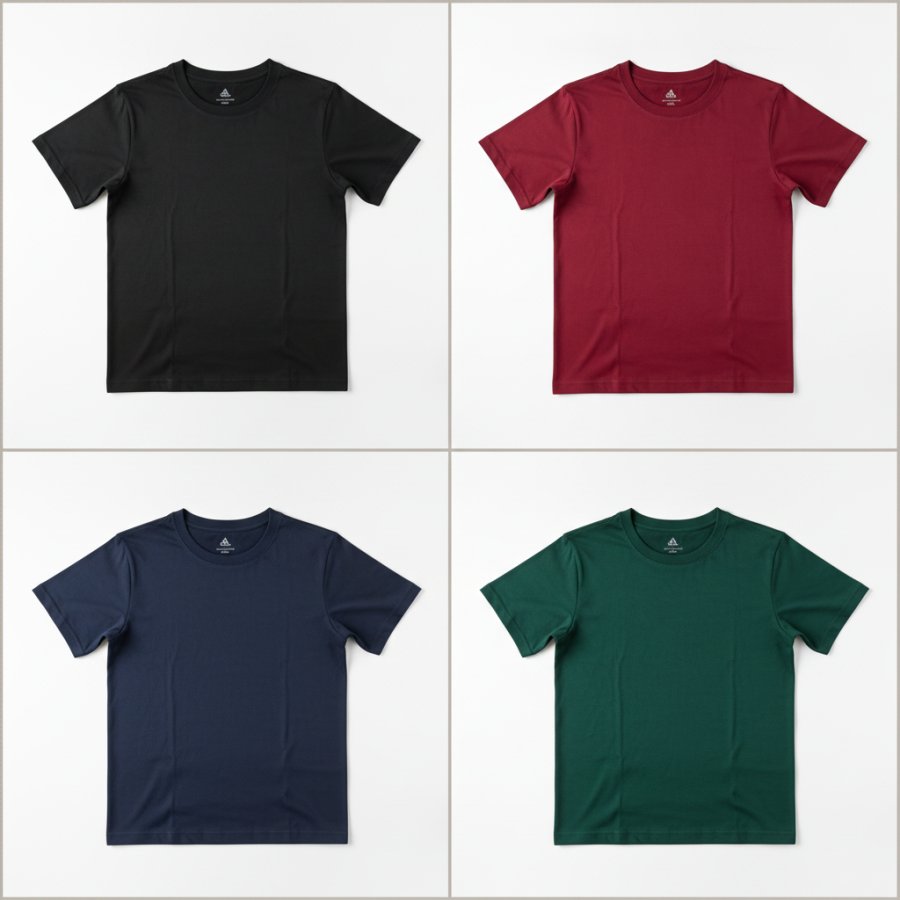
Color Variant Grid
Buyers want to see the colour they will actually get, and listings that show every variant convert better than a single hero shot.
Open tool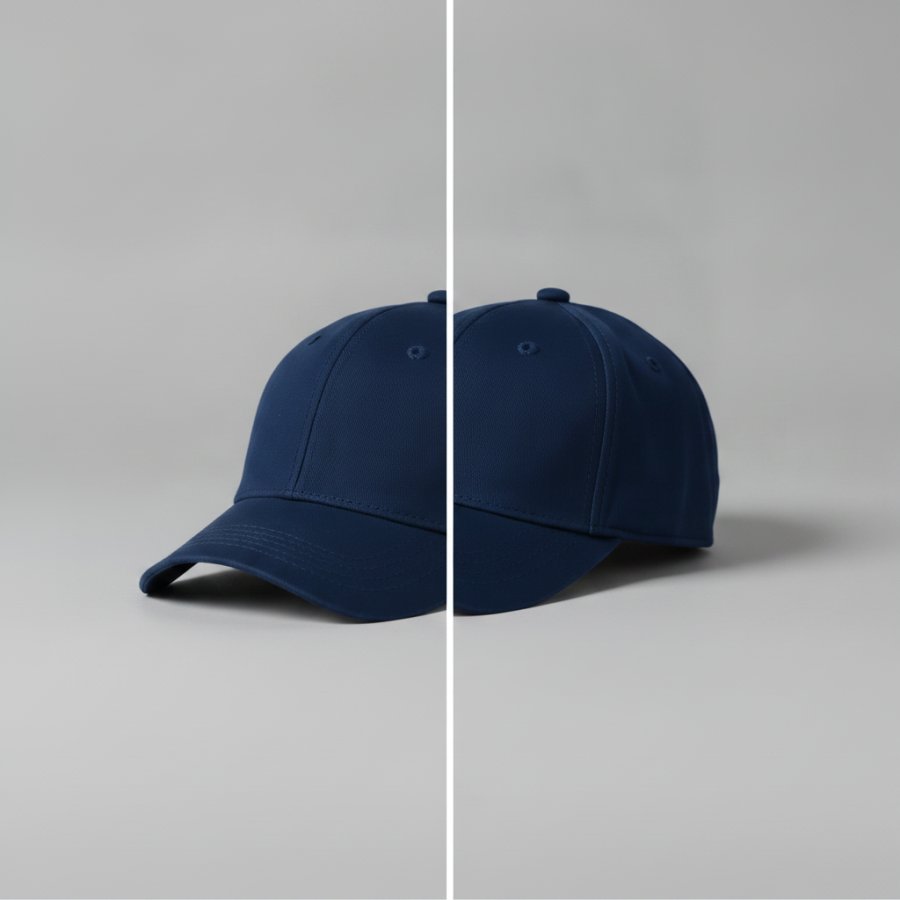
Before & After
Nothing sells a transformation like seeing both halves of it.
Open tool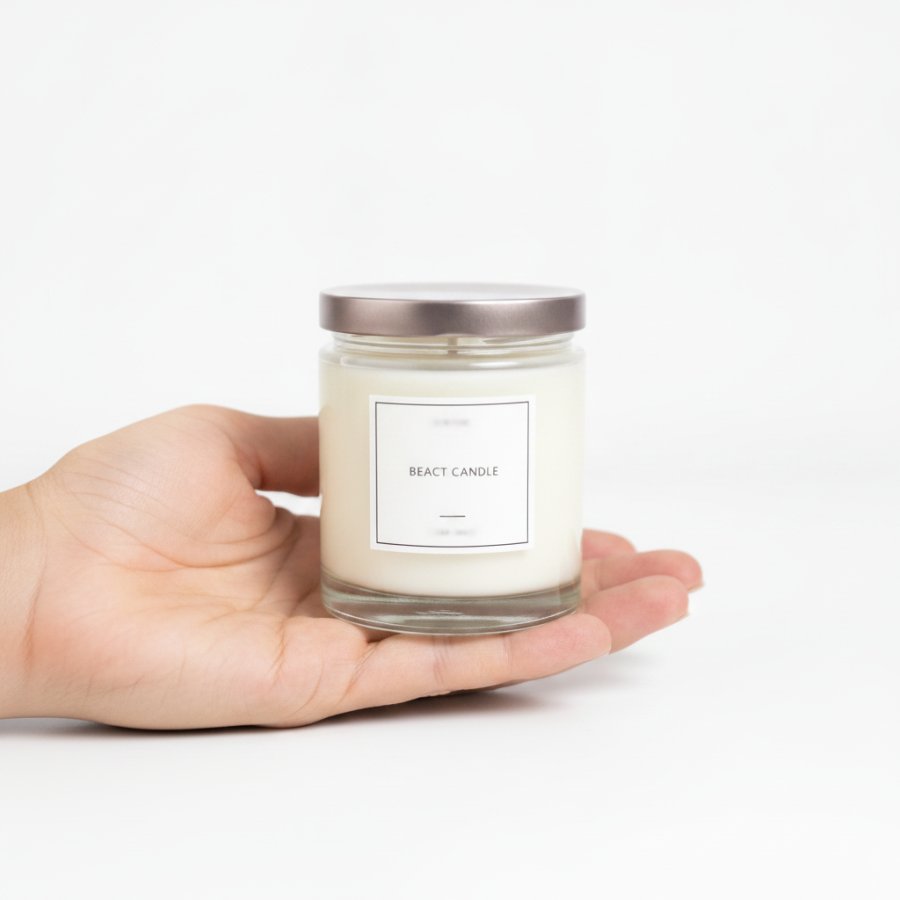
Size & Scale Shot
"Smaller than expected" is one of the most common reasons for returns and bad reviews, and it is almost always an image problem, not a product problem.
Open tool