Etsy Listing Photo Requirements for POD Sellers (2026)
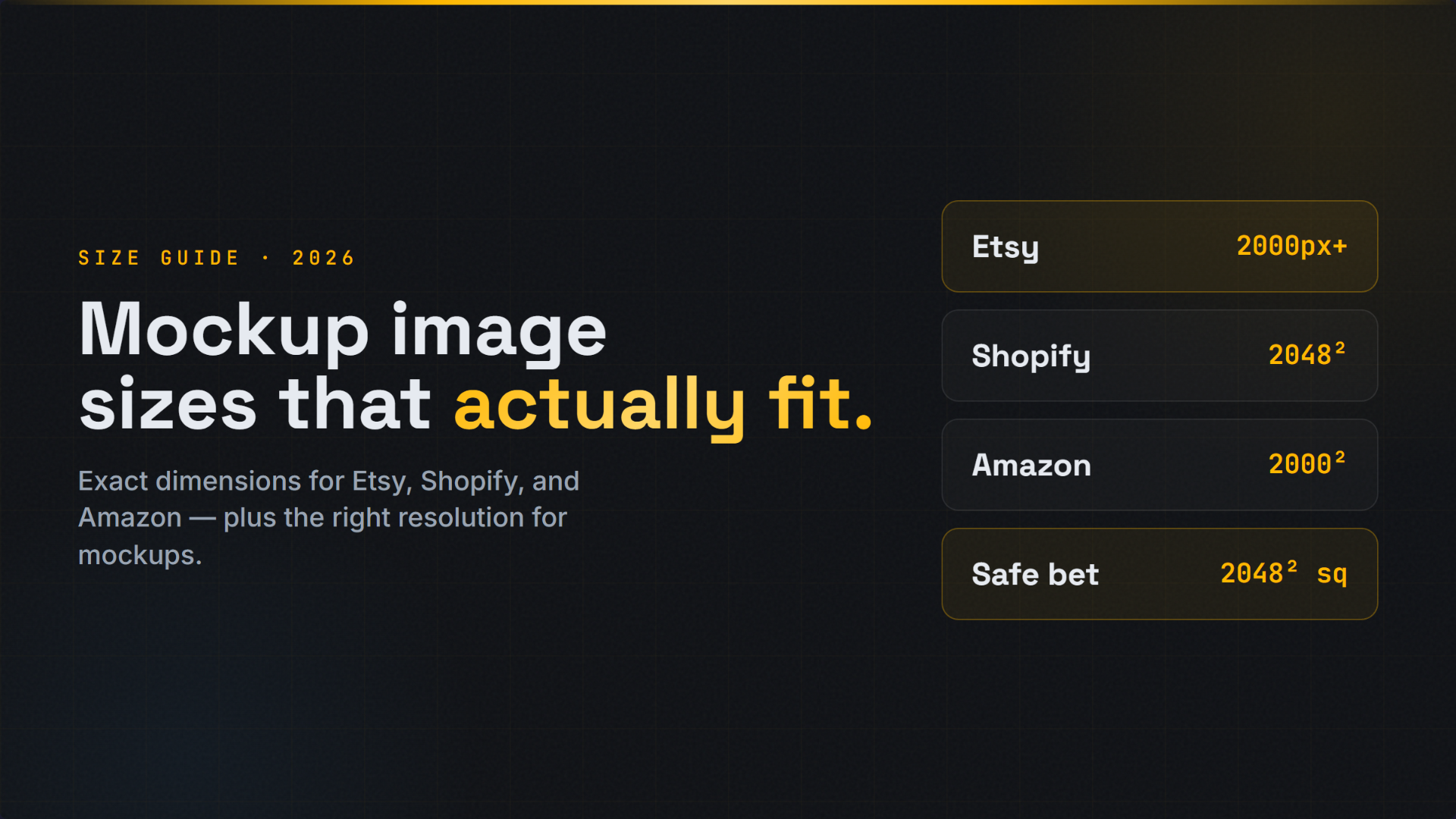
The short version: Etsy allows up to 20 photos per listing. Images below 635 pixels on width or height can see reduced visibility in search, and Etsy recommends 2000 pixels or more on the shortest side. The first thumbnail should be a clean product image without text overlays, collages, or collections. Everything else in this guide is a recommendation, not a rule. Source: Etsy Seller Handbook guidance on listing photos.
Photo advice for Etsy tends to arrive as one long list where hard limits and taste sit side by side. That is a problem when you are a print-on-demand seller trying to work out what will actually hurt your listing. This guide separates the two. First the requirements and the numbers, then the recommendations, then a workflow that satisfies both without a studio.
The requirements table
| Item | Etsy guidance | Type |
|---|---|---|
| Photos per listing | Up to 20 | Limit |
| Minimum useful size | At least 635 px on width and height, or search visibility can be reduced | Requirement |
| Recommended size | 2000 px or more on the shortest side | Recommendation |
| First image content | Clean product image, no text overlays, collages, or collections | Recommendation from Etsy guidance |
| Angles | Show multiple angles | Recommendation |
| Context | Include lifestyle or in-use images | Recommendation |
| Lighting | Good, even light | Recommendation |
| Backgrounds | Keep them simple | Recommendation |
What counts as a requirement
Twenty photo slots
Etsy currently allows up to 20 photos per listing. That is a ceiling, not a target. If you have read older articles that say ten, they are out of date. You do not have to fill all twenty, and an incomplete but well-chosen set beats twenty repetitive crops.
The 635 pixel floor
Etsy's guidance is clear that images smaller than 635 pixels on width or height can see reduced visibility in search. Treat 635 as a floor you never approach rather than a size you aim for. Print-on-demand mockups have no reason to be that small.
The first image is the one that must behave
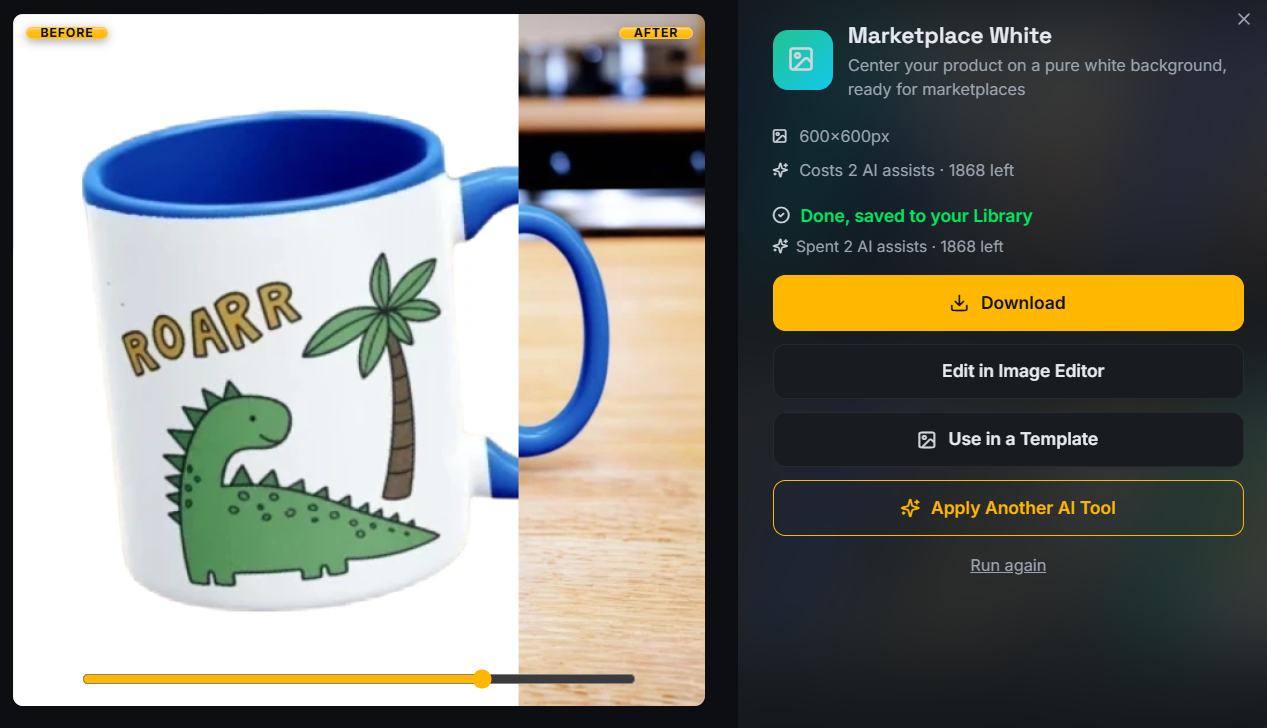
Your first photo is used as the thumbnail across search, category pages, and favorites. Etsy's guidance points sellers towards a clean product image here and away from text overlays, collages, and collection shots. Technically nothing stops you uploading a busy graphic. Practically, it is the fastest way to look like a shop that will not deliver.
What counts as a recommendation
Two thousand pixels or more
Etsy recommends 2000 pixels or more on the shortest side. This is where zoom lives. When a shopper hovers or pinches to inspect the print, a 2000 pixel image holds together and a 900 pixel image does not. Square exports at 2000 by 2000 or 2048 by 2048 are the simplest default for print-on-demand, because they survive every crop Etsy applies.
File size matters too. Keep JPGs compressed sensibly so pages stay fast. Exact numbers per marketplace are in the product image size guide.
Multiple angles
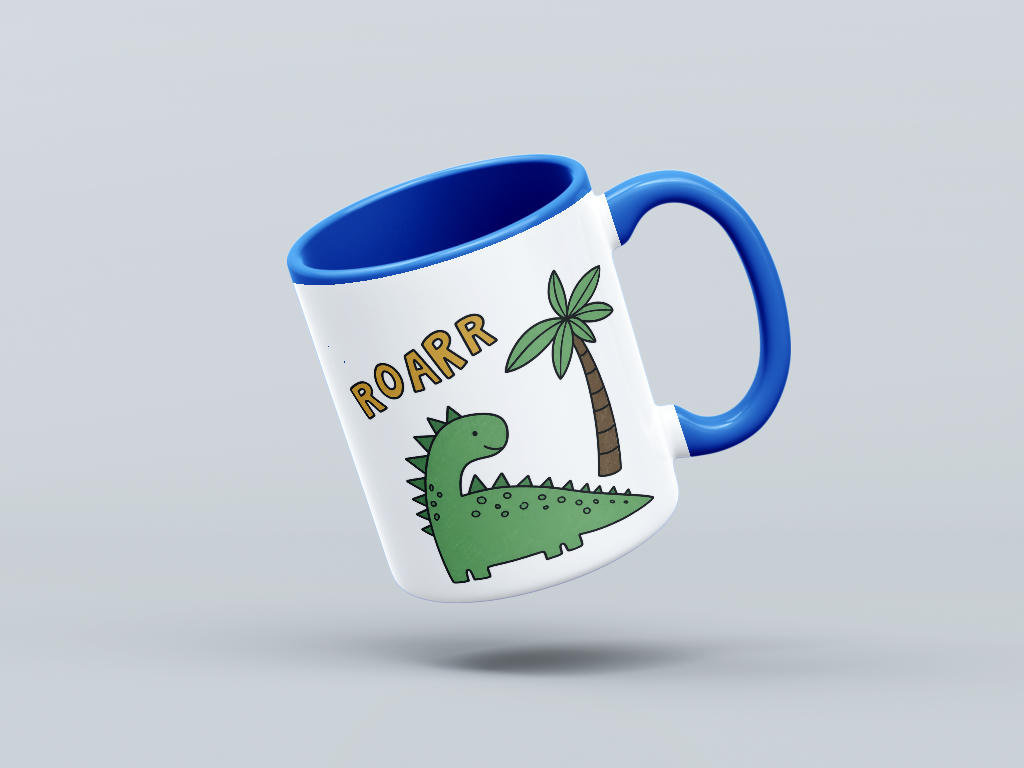
Etsy recommends showing the product from more than one angle. For a mug that means the handle side and the front. For apparel, front, folded or hanging, and a detail crop of the print. One angle repeated with slightly different lighting does not count.
Lifestyle and in-use context
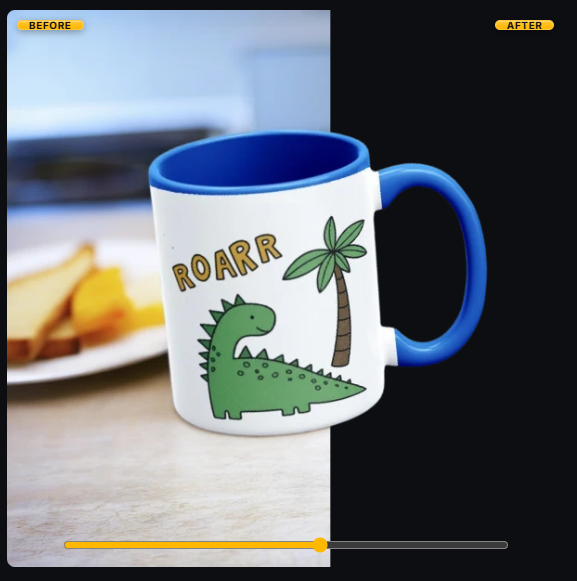
Context images are recommended because they answer scale and use questions that a plain studio shot cannot. They are also where print-on-demand sellers most often stall, because the product does not physically exist yet. Generated lifestyle scenes solve that, provided the product is rendered accurately and the scene is not misleading about what arrives.
Lighting and simple backgrounds
Even light and a simple background are recommended for a practical reason: they keep the product the subject. Harsh shadows hide print edges, and a cluttered background makes thumbnails muddy at small sizes. If you generate your images rather than shoot them, this is largely a matter of choosing restrained templates.
Where sellers get this wrong
- Assuming the old ten-photo limit. The current allowance is 20. Plans built around ten slots are planning to leave slots empty.
- Uploading design files instead of product photos. A flat PNG of the artwork is not a listing photo. It tells the shopper nothing about the product.
- Exporting at screen resolution. A 1000 pixel image looks fine in the upload preview and falls apart under zoom.
- Text in the first thumbnail. Sale badges and size charts belong deeper in the set.
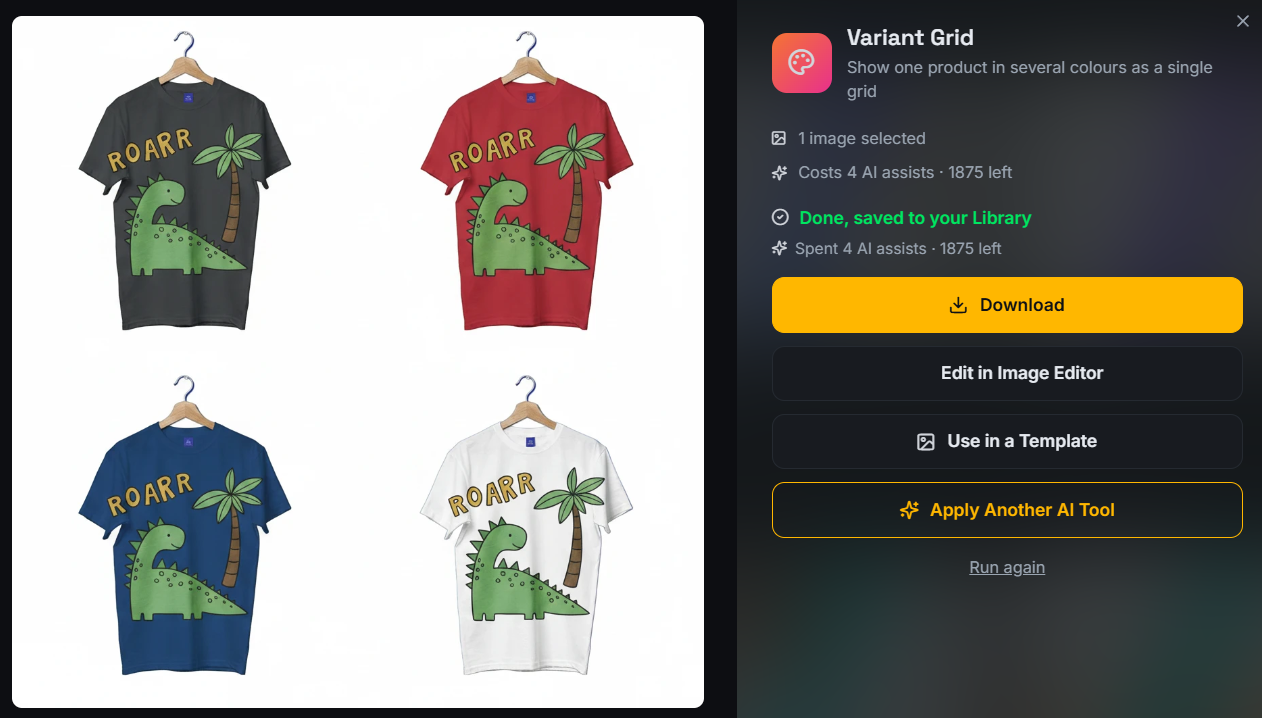
- Inconsistent crops across variations. When each color is framed differently, the variation grid looks like three separate products.
An Etsy-ready print-on-demand workflow
- Prepare the design at print resolution. Work from the same high-resolution file you send to your print provider, so the mockup print detail is honest.
- Render the product set. Front view, alternate angle, detail crop, clean background, and at least one lifestyle scene. An Etsy mockup generator produces these from one upload.
- Render the variations. Every color or product option you list should appear in at least one photo, framed identically. The method is in how to create color variant photos for Etsy listings.
- Export at 2000 px or more. Square JPG for the main set, PNG when you need transparency for other channels.
- Order the set deliberately. Clean product image first, then angle, context, detail, and variations. The reasoning is in 10 Etsy listing photo ideas for print-on-demand sellers.
- Check the thumbnail. View the listing in search results before you call it finished.
A practical MockItReal export workflow
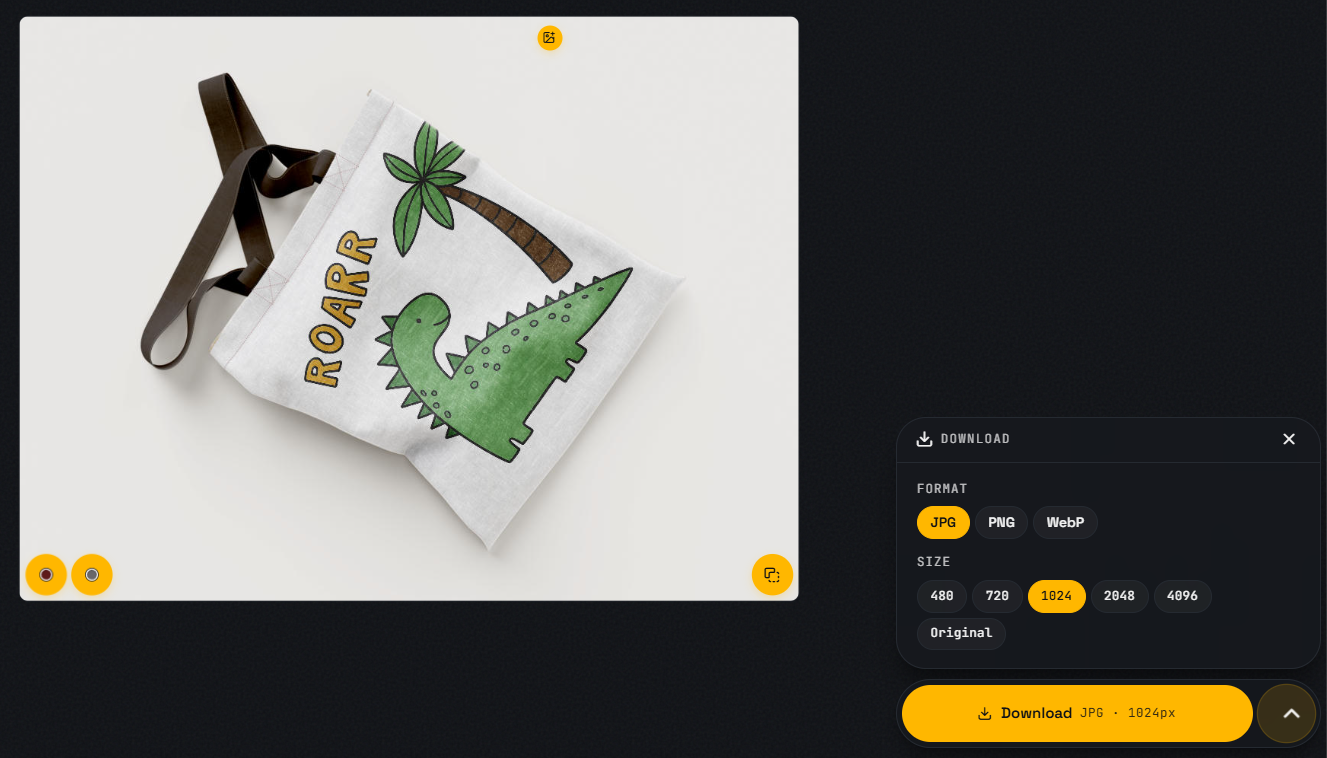
Once the set is rendered, export at 2000 pixels or more on the shortest side so zoom stays sharp, in line with Etsy's own recommendation. Beyond that number, format is a workflow decision rather than an Etsy rule.
In MockItReal, JPG is the practical choice for photo-like mockups: lifestyle scenes, angled product shots, and detail crops compress well and stay at sensible file sizes at 2000 pixels or more. PNG is the practical choice for crisp flat graphics in a broader workflow, such as a design with hard-edged type or a version you need with transparency for an ad or a shop banner. MockItReal also offers WebP, which is useful on your own site. Formats accepted by any given destination can change, so confirm the current accepted formats at upload time rather than assuming.
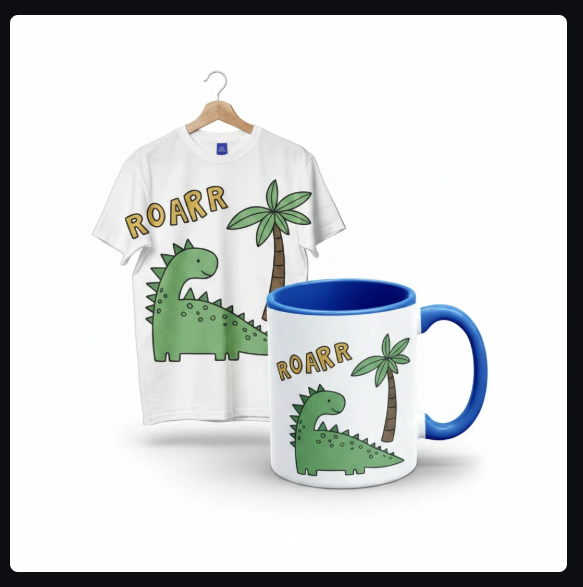
Keeping one naming pattern across designs, for example roarr-tee-front and roarr-mug-lifestyle, makes batch uploads land in the order you intended and makes it quick to replace a single image later. That is a workflow convenience, not a search factor.
Pre-publish checklist
- First image is a clean product photo with no text, collage, or collection.
- Every image is comfortably above 635 px on both sides.
- Shortest side is 2000 px or more.
- At least two distinct angles are present.
- At least one lifestyle or in-use image is present.
- A detail crop shows print quality.
- Every listed variation appears in a photo.
- Lighting is even and backgrounds are simple.
- Crops are consistent across the set.
- Thumbnail checked at search-result size.
FAQ
What is the maximum number of photos on an Etsy listing?
Etsy currently allows up to 20 photos per listing.
What is the minimum image size for Etsy?
Etsy's guidance indicates that images under 635 pixels on width or height can see reduced visibility in search, so stay well above that. Etsy recommends 2000 pixels or more on the shortest side.
What size should I export for Etsy listings?
Square exports of 2000 by 2000 pixels or larger are a safe default for print-on-demand. See the product image size guide for other marketplaces.
Can I put text on Etsy listing photos?
Later images can carry a sizing graphic if it helps. Keep the first thumbnail free of text overlays, collages, and collections, in line with Etsy's guidance.
Do mockups count as acceptable listing photos?
Yes, provided they represent the product accurately. Print-on-demand sellers commonly list with mockups because they do not hold stock. Do not render features the product does not have.
How many angles should I show?
At least two, plus a detail crop. Etsy recommends showing multiple angles so shoppers can judge the object rather than the graphic.
Reviewed against Etsy guidance on September 5, 2026.
Etsy is a trademark of Etsy, Inc. MockItReal is not affiliated with or endorsed by Etsy.