How to Create Color Variant Photos for Etsy Listings (Without Reshooting Anything)
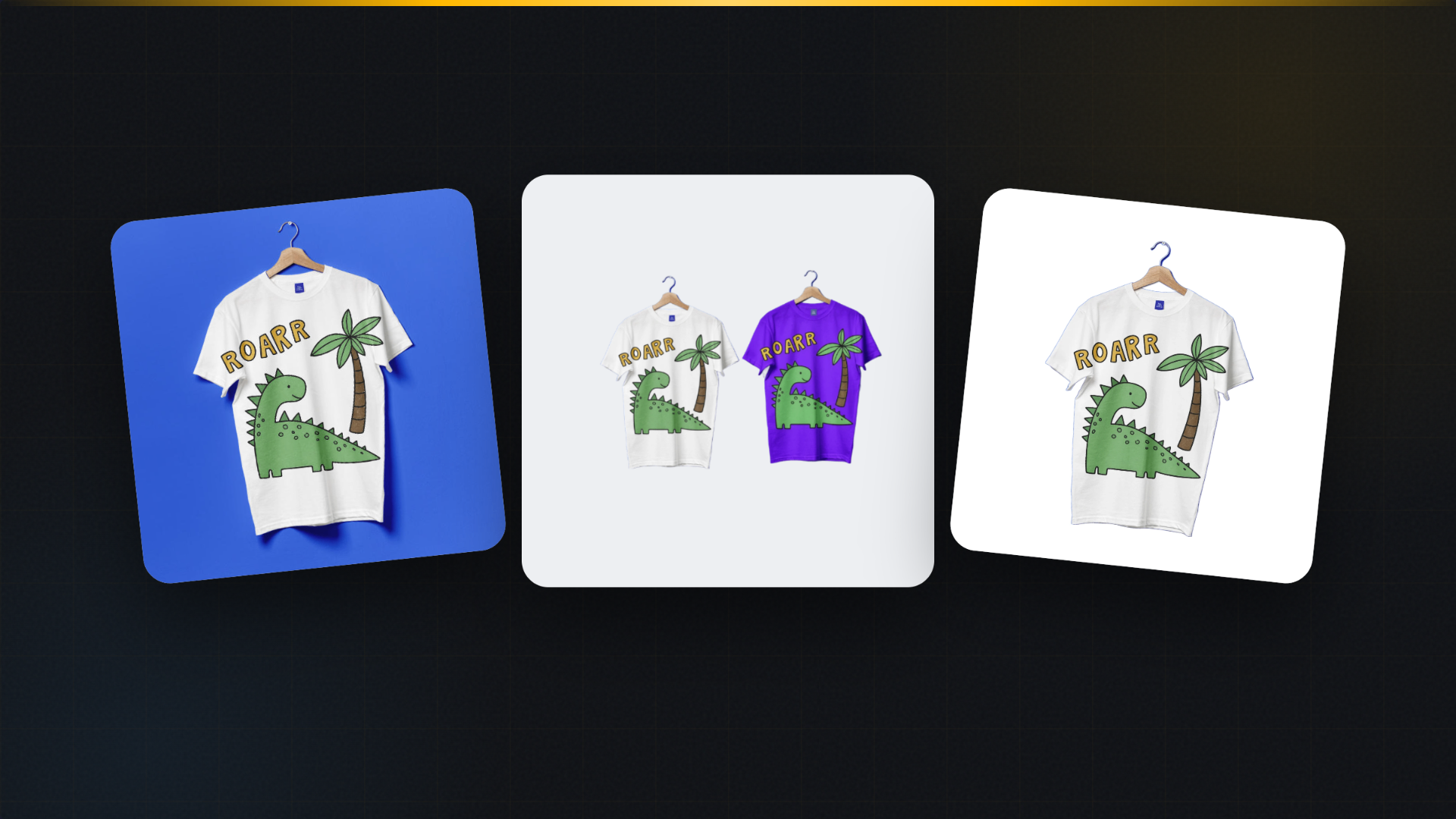
Every seller with a color option has answered this message: "Do you have a photo of it in the blue?"
You do not have a photo of it in the blue. You have a photo of it in black, because that's the sample you photographed, and the blue exists only as a checkbox in your variations menu. The buyer, quite reasonably, won't spend money on a color they can't see. So they ask, or more often, they leave.
Etsy's own numbers push in one direction here: listings where buyers can see the option they're choosing convert better, which is exactly why Etsy built photo-linked variations. The catch is that Etsy explains how to link variation photos, but stays completely silent on the much harder problem, which is where those photos come from. After ten years of selling POD, we can tell you where they traditionally come from: nowhere. Sellers skip them, because photographing every colorway of every product is a workload nobody has.
Let's fix both halves: the Etsy mechanics, and then the photos themselves.
For the general approach across all marketplaces, see our colour variant images guide.
How variation photos work on Etsy (the two-minute version)
Inside a listing, Etsy lets you link an image to each variation, so when a buyer selects "Forest Green" from the dropdown, the listing photo switches to the green version, and that image follows them all the way through checkout.
The rules that matter:
- A listing holds a maximum of 10 photos, and variation photos count against that limit.
- You can link photos to up to 20 variations. If you sell 30 colors, only 20 get a linked image.
- Photos must be uploaded to the listing first; then, in the variations section, you toggle photo linking and assign each image to its option.
The 10-photo ceiling forces a choice. If you offer six colors and link six photos, you have four slots left for your lifestyle shot, size reference, detail crop and packaging. Plan the whole set before uploading, not after.
The real problem: getting six photos of a product you own in one color
Here's the traditional menu of bad options.
Photograph every colorway. Order a sample in each color, shoot them all, edit them all. For one product, that's a week and real money. For a POD catalog with forty designs, it's fantasy.
Recolor by hand in an editor. Select the shirt, shift the hue, discover that the shadows went muddy and the fabric now looks radioactive. Manual recoloring that respects fabric texture and lighting is genuinely difficult, which is why hand-recolored variants have that unmistakable plastic look.
Skip it. The most popular option, and the one that quietly costs sales every day.
The one-click version
This is the workflow we built MockItReal around, so yes, we're biased, and also this is precisely the job it does.
Change Color takes any product image and recolors the product itself in one click. Not a hue slider across the whole photo: the tool understands what the product is, keeps the background and the lighting alone, keeps your printed design untouched, and changes the product's color. You can pick any shade, including exact hex codes, which matters when your brand colors are specific or when a buyer asks for "the same as your logo blue".
Variant Grid goes one step further and turns a single image into a whole set of recolored variants in one run, laid out ready for your listing. One upload, one click, six colorways.
The part we're most careful about, because sellers ask: your design stays your design. The AI changes the product color around the artwork; it doesn't redraw the artwork. A buyer who orders the blue mug receives exactly the print they saw on the black one.
From there it's the Etsy flow you already know: upload the variants to the listing, link each one to its color option, done. What used to be a photography project is about ten minutes end to end, and the free plan covers enough renders to build your first fully-photographed listing without paying anything.
A worked example
Say you sell a mug design in four colors: white, black, forest green and navy.
- Render or photograph the mug once, in whichever color you have.
- Run Variant Grid with your four target colors. You now have four listing-ready images.
- Upload all four to the listing, plus your lifestyle shot, a size reference and a close-up of the print. That's seven of your ten slots, used deliberately.
- Link each color image to its variation. Toggle, assign, save.
- Preview the listing as a buyer, switch colors in the dropdown, watch the photo follow.
Total time, once you've done it twice: under fifteen minutes per listing. The buyer who wanted to see the blue now sees the blue, silently, at 11pm, without messaging you.
Which colors deserve a variant photo?
If you offer more colors than photo slots, prioritize with this simple logic:
- Your two bestsellers obviously get photos.
- The colors buyers ask about in messages are telling you where the missing photos are. Every "do you have a picture of it in X" is a vote.
- Dark and light extremes matter because printed designs read differently on them; buyers hesitate most when they can't judge contrast.
- Middle-of-the-road colors that nobody asks about can share the default photo.
And check your Etsy stats after a month. If a color with a linked photo starts outselling one without, that's your answer about whether to fill the remaining slots.
FAQ
How many variation photos can I add on Etsy? Photos can be linked to up to 20 variations, but the listing itself holds a maximum of 10 photos, so in practice 10 is your ceiling, shared with your other listing images.
Do variant photos need to be photographs, or can they be renders? Renders are standard across POD. What matters is that the image accurately shows what the buyer receives: right color, right print, right product.
Can I match an exact brand color? With hex-code recoloring, yes. Pick the code, and the product renders in that exact shade rather than a nearest-guess from a preset palette.
Will recoloring change my printed design? Not with a tool built for products. The design layer stays untouched; only the product's base color changes. If a tool you're testing warps or re-tints your artwork, stop using it, because the listing photo now shows something you can't deliver.
MockItReal turns one design into every image your store needs, including one-click color variants with exact hex codes. Free plan: 10 mockups a month, no watermark, no card. Start free.