The Complete Guide to PSD Mockup Templates (2026)
PSD mockup templates are the engine behind every professional product mockup - but most sellers use them without really understanding how they work, where to get good ones, or the licensing rule that can get a shop in trouble. This guide covers all of it.
Table of contents
- What is a PSD mockup template?
- How Smart Objects work
- Why your own PSDs beat stock templates
- Where to get PSD mockup templates
- The licensing trap every seller should know
- How to use a PSD template (with and without Photoshop)
- What makes a good template
- Common mistakes
- FAQ
What is a PSD mockup template?
PSD stands for Photoshop Document - a layered image file. A PSD mockup template is one built specifically so you can drop your design onto a product photo and have it look real.
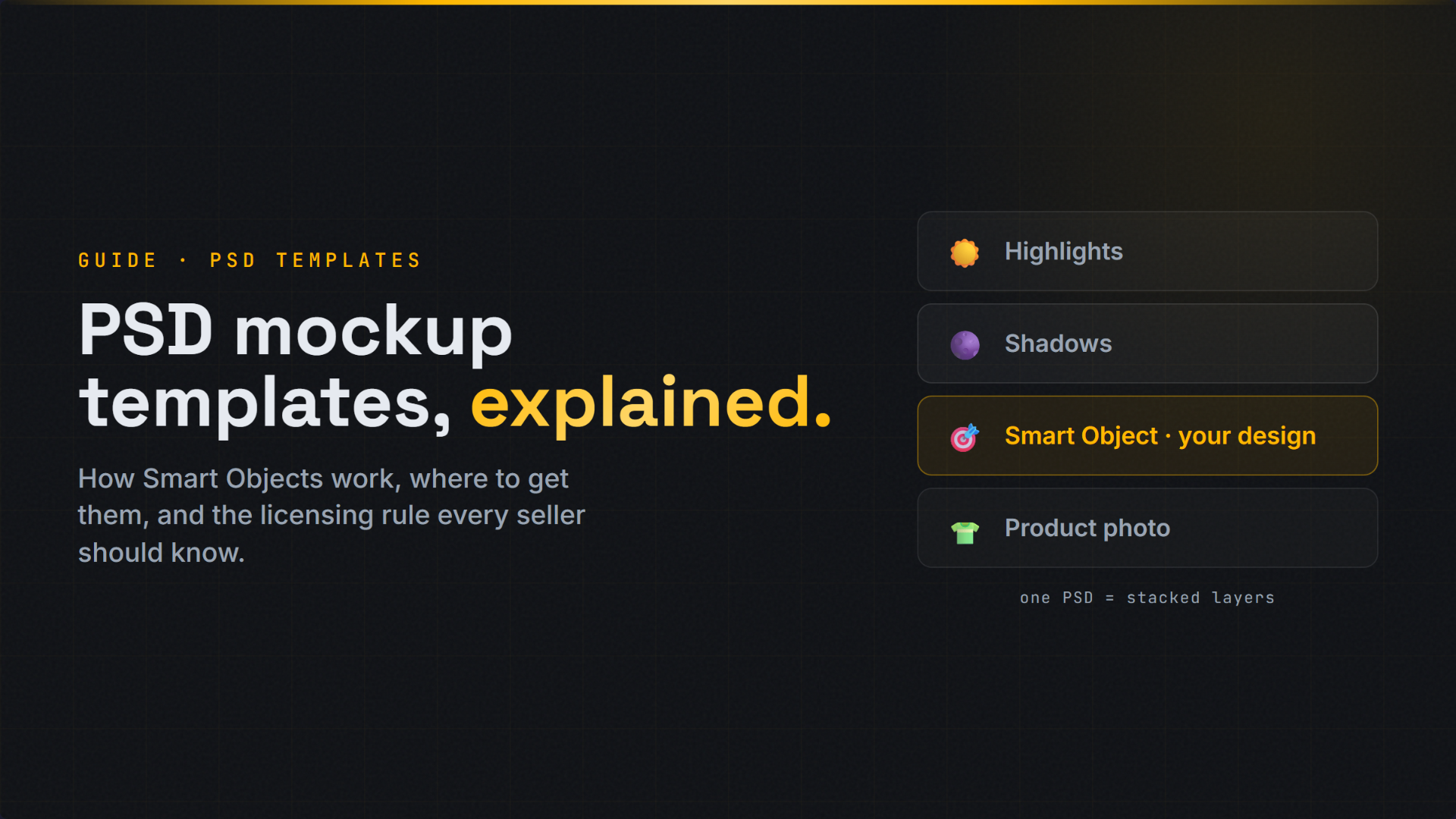
Inside the file are layers that handle the realism: the product photo itself, shadow layers, highlight layers, fabric texture, and - the important one - a Smart Object layer that marks exactly where your design goes and how it should sit on the product.
When you replace that Smart Object with your artwork, the template does the rest: it warps your design to the product's shape, applies the shadows and lighting above it, and produces a photorealistic result. That's why a good PSD mockup looks like a real photo, not a flat sticker pasted on top.
How Smart Objects work
The Smart Object is the heart of any mockup template. It's a special layer that acts like a container.
Here's the mechanic. The template designer takes a flat area of the product - the chest of a t-shirt, the side of a mug, the front of a phone case - and turns it into a Smart Object. They warp and distort that Smart Object to match the product's real shape and perspective. They place shadow and highlight layers on top so anything inside picks up the product's lighting.
Then, whatever you put inside the Smart Object automatically inherits all of that. Your flat design goes in, and it comes out wrapped, shadowed, and lit to match the product. You never touch the warping or lighting - the template already did that work. You just swap the contents.
This is why one good template works for thousands of designs. The hard part is built once.
Why your own PSDs beat stock templates
Most sellers start with stock templates - and that's fine to start. But there's a ceiling.
The problem is sameness. When thousands of sellers buy the same stock template, every shop using it produces identical-looking mockups. Same wood-grain table, same model, same angle, same lighting. Buyers can't always say why, but a generic mockup reads as a generic shop.
Your own PSD templates fix that. Custom templates - your photography, your styling, your lighting - make your mockups unmistakably yours. Your shop looks like a brand, not a reseller. For sellers who want to stand out and scale, building or commissioning a handful of custom PSDs is one of the highest-leverage moves available.
The good news: you only need a few. Three to five strong templates per product type covers most use cases, and they last for years.
Where to get PSD mockup templates
You have three paths:
1. Make your own. Photograph your product, build the template in Photoshop with a Smart Object, and you own it outright. Most control, most effort. Worth it for your hero products.
2. Buy from a marketplace. The two main sources:
- Yellow Images - professional mockups, all with Smart Object layers and a commercial license included, with print-ready export.
- Creative Market - a huge library (146,000+ mockups) across apparel, packaging, devices, and more.
Both give you Smart Object templates compatible with Etsy, Amazon, and Shopify selling.
3. Commission a designer. For a unique branded look without doing it yourself, a freelance designer can build custom PSD templates to your spec. The middle path between DIY and stock.
The licensing trap every seller should know
This is the part that catches people, so read it carefully.
Most mockup templates come with two license tiers:
- Personal license - for non-commercial use. You cannot use it to sell products.
- Commercial license - for business use. This is the one you need.
If you sell on Etsy, Amazon, or anywhere else, you are using the template commercially. A personal-license template used to sell products is a licensing violation, even if nobody notices for a while.
Always confirm the license covers commercial product sales before you use a template. Some marketplaces (Yellow Images, for example) include a commercial license by default. Others sell personal and commercial tiers separately, and the personal one is cheaper - which is exactly the trap. The cheaper price is cheaper because it doesn't let you sell.
Rule of thumb: if you're putting the mockup on a product listing, you need a commercial license. No exceptions.
How to use a PSD template (with and without Photoshop)
The Photoshop way:
- Open the PSD in Photoshop.
- Find the Smart Object layer (usually named "Your Design Here" or similar).
- Double-click it - it opens in a new tab.
- Paste your design, resize to fit, save and close the tab.
- The mockup updates. Export as PNG or JPG.
This works, but it's slow, and it requires owning Photoshop and knowing how to use it. For one mockup, fine. For hundreds across colors and products, it's the bottleneck that caps your growth.
The no-Photoshop way:
Tools that render PSDs for you skip all of that. With MockItReal, you upload your PSD template once, drop in your designs, and the engine handles the Smart Object replacement, warping, and lighting automatically - rendering finished mockups in 1-2 seconds each. No Photoshop, no manual layer work, and you can generate hundreds at once. Same PSD fidelity, none of the manual labor.
What makes a good template
Not all PSD templates are equal. The good ones have:
- A properly warped Smart Object that matches the product's real shape (curved on a mug, draped on fabric)
- Realistic shadow and highlight layers so designs pick up natural lighting
- High resolution so output is sharp at listing sizes (2000px+)
- A clean layer structure that's easy to work with
- The right license for commercial sale
A cheap template with a flat, un-warped Smart Object produces flat, fake-looking mockups. Quality of the template directly determines quality of the result.
Common mistakes
| Mistake | Fix |
|---|---|
| Using a personal-license template to sell | Always use a commercial license |
| Buying low-quality, flat-warp templates | Choose templates with proper Smart Object warping |
| Using only stock templates everyone else has | Build or commission a few custom PSDs |
| Low-resolution templates | Use 2000px+ for sharp listing images |
| Making mockups one at a time in Photoshop | Use a tool that renders PSDs in bulk |
| Owning dozens of templates you never use | A few strong ones per product type is enough |
FAQ
What is a PSD mockup template?
A layered Photoshop file with a Smart Object layer where your design goes. When you replace the Smart Object with your artwork, the template wraps it onto the product with realistic perspective, shadows, and lighting.
Do I need Photoshop to use a PSD mockup template?
Not necessarily. Photoshop is the traditional way, but tools like MockItReal render PSD templates for you - you upload the PSD and your design, and it produces the finished mockup without you opening Photoshop.
Can I use any mockup template to sell products?
Only with a commercial license. Many templates come in personal (non-commercial) and commercial tiers. Selling products requires the commercial license - the personal one does not permit it.
Where can I buy good PSD mockup templates?
Yellow Images and Creative Market are the two main marketplaces, both with Smart Object templates and commercial licensing. You can also make your own in Photoshop or commission a designer for a custom branded look.
How many templates do I need?
A few strong ones per product type - typically three to five - covers most use cases and lasts for years. Quality and a consistent branded look matter more than quantity.
Why do my mockups look flat or fake?
Usually a low-quality template with a poorly warped Smart Object or missing shadow layers. A good template wraps your design to the product's real shape and applies natural lighting.
Use your own PSDs, without Photoshop.
Upload your PSD templates to MockItReal and generate unlimited mockups in 1-2 seconds - no Photoshop, no manual layer work. Free to start.