How MockItReal works.
MockItReal turns your design into a finished, photorealistic mockup - upload, pick a template, generate, download. Takes minutes from upload to listing-ready, and you can make as many as you need.
No Photoshop · Free plan · No card required · Renders in seconds
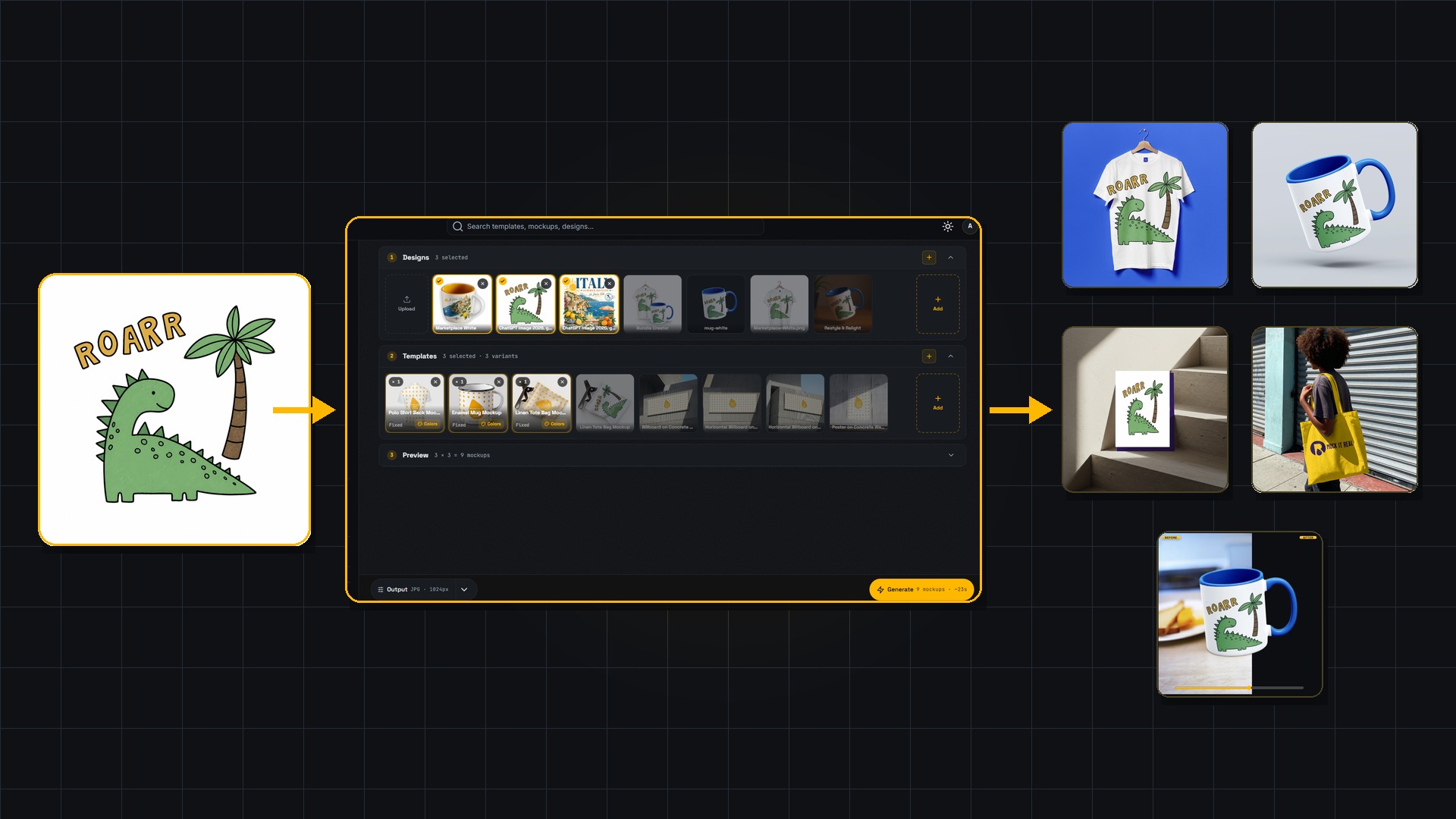
Step 1 - Sign up free
Create your workspace at yourname.mockitreal.com. Free to start, no card. You're in within seconds.
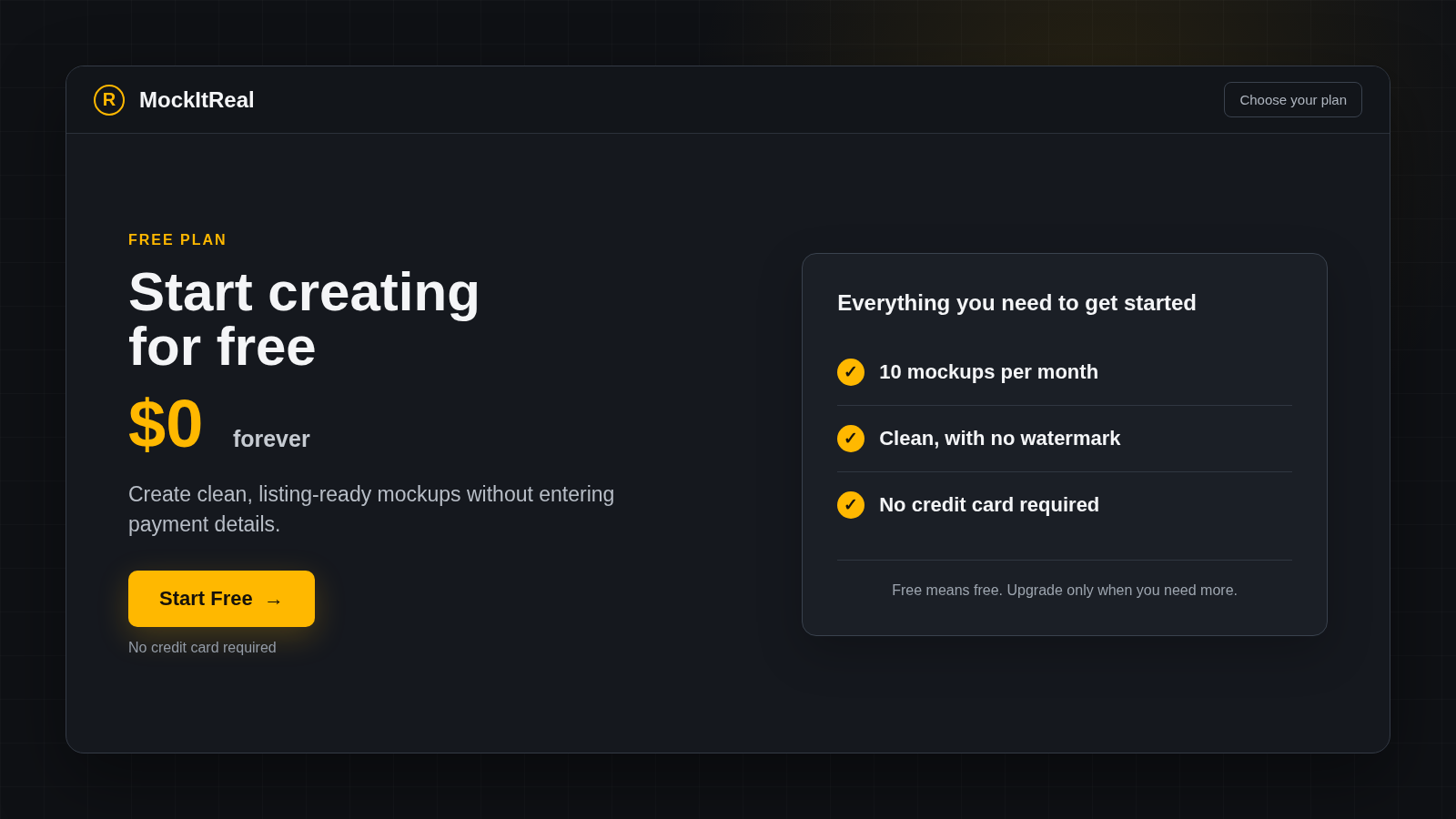
Step 2 - Upload your design
Drop in your artwork - PNG or JPG. Upload one or bulk-upload dozens at once.
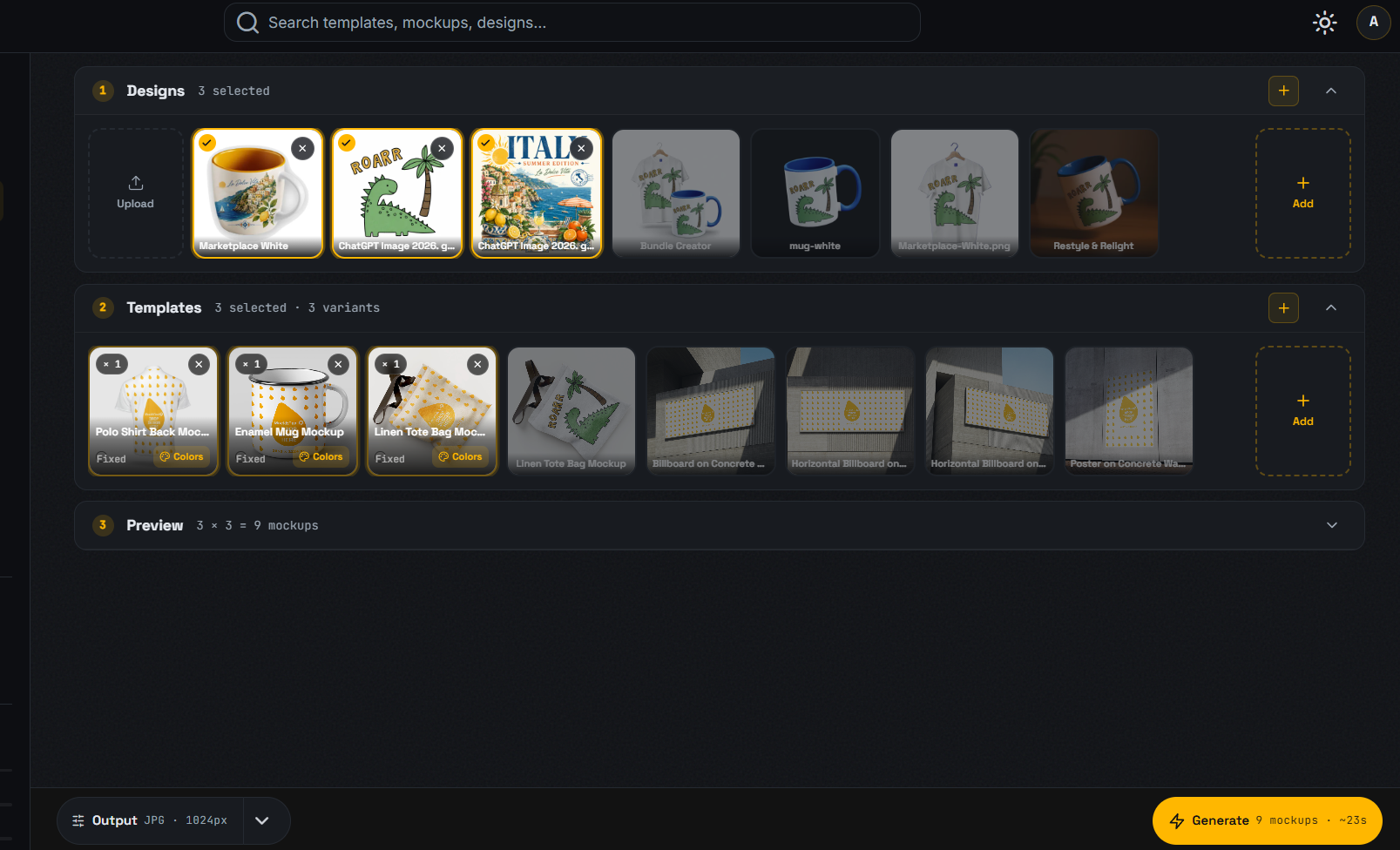
Step 3 - Pick a template
Choose from the library, upload your own PSD, or just upload a product photo and let our AI handle the rest. Your design drops into the Smart Object automatically.
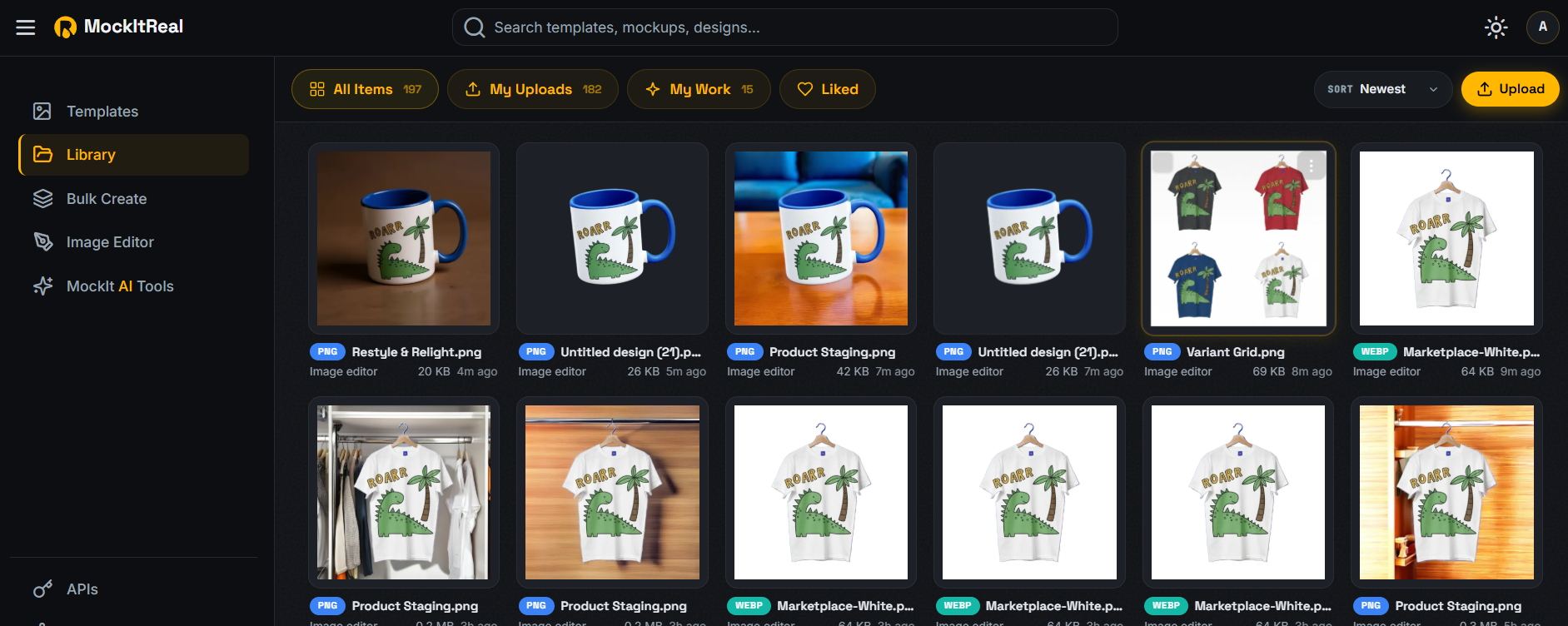
Step 4 - Generate
Click generate. Each mockup renders in seconds, with correct shadows, lighting, and perspective.
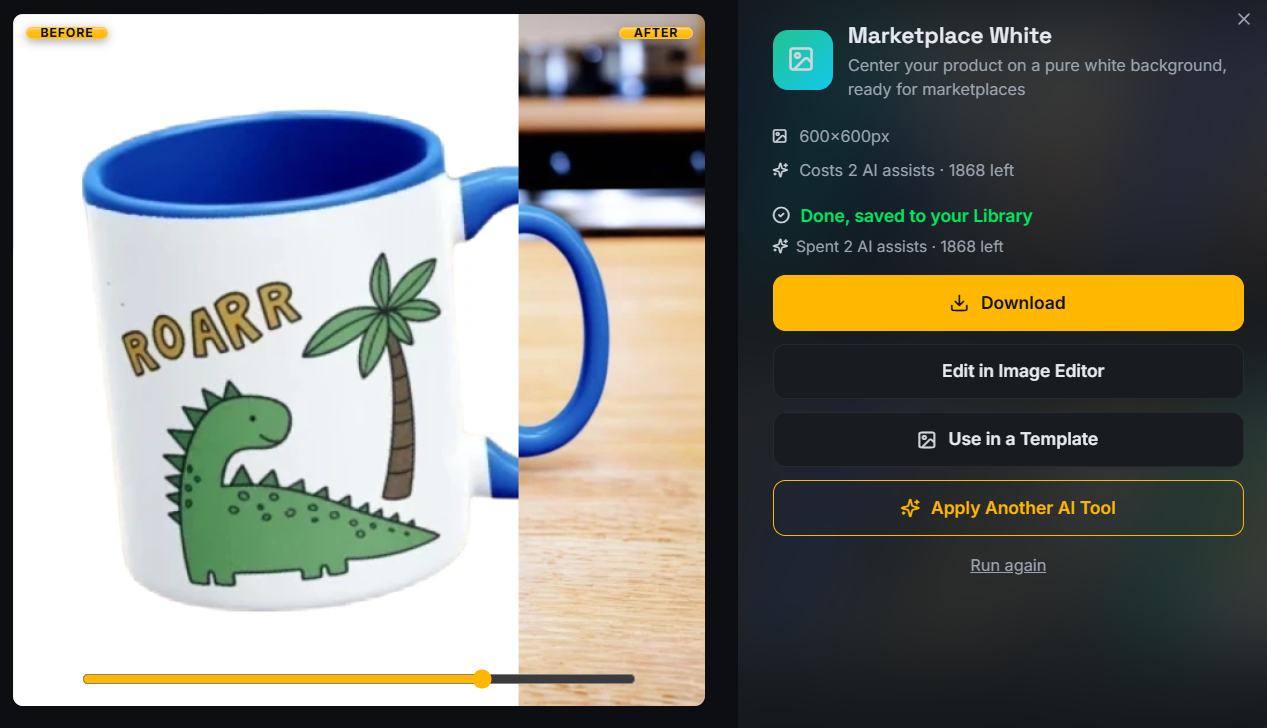
Step 5 - Download
Grab single files or the whole batch as a ZIP. PNG, JPG, or WebP, ready to list on Etsy, Shopify, or Amazon.
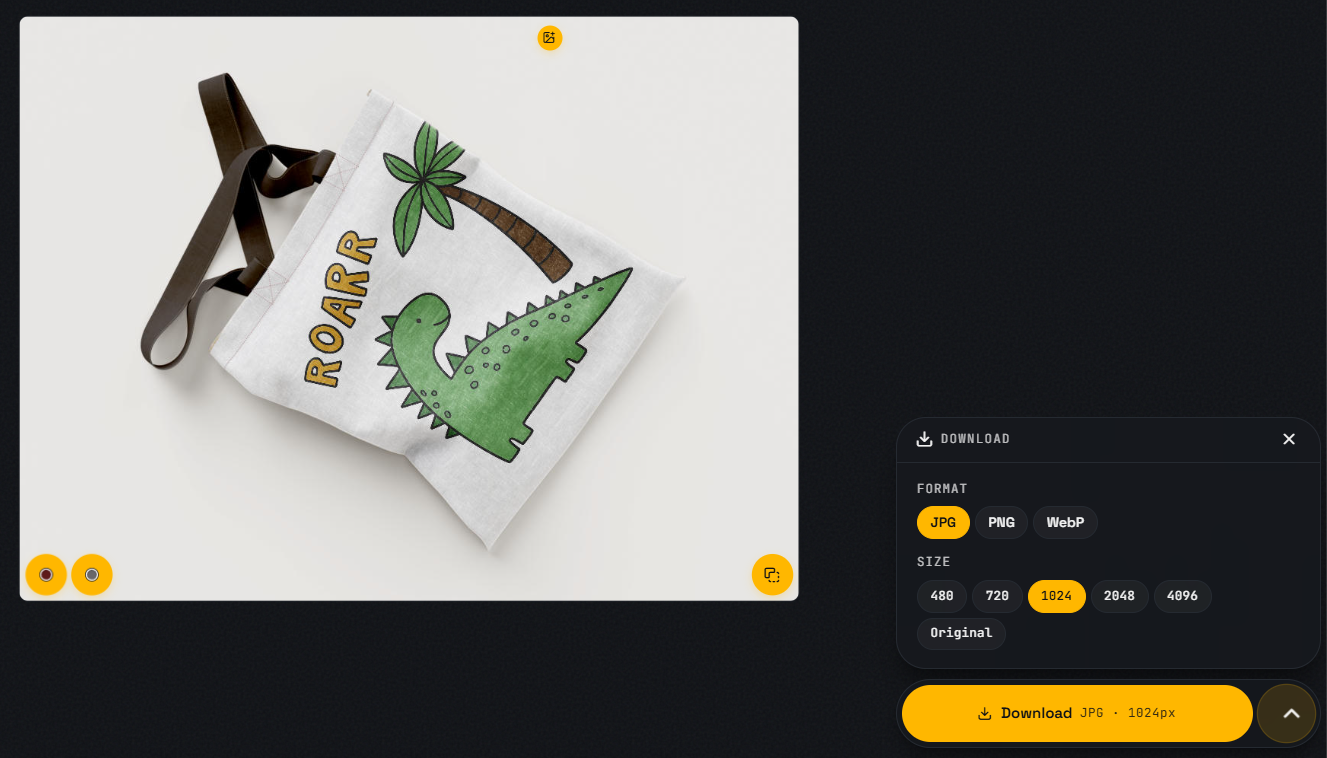
Step 6 - Make it sell-ready
Keep going after the download: drop your product into AI lifestyle scenes, create a clean white marketplace shot, resize to 50+ ready-made sizes for Amazon, Etsy, Instagram and more - or export print-ready PDF/TIFF with CMYK.
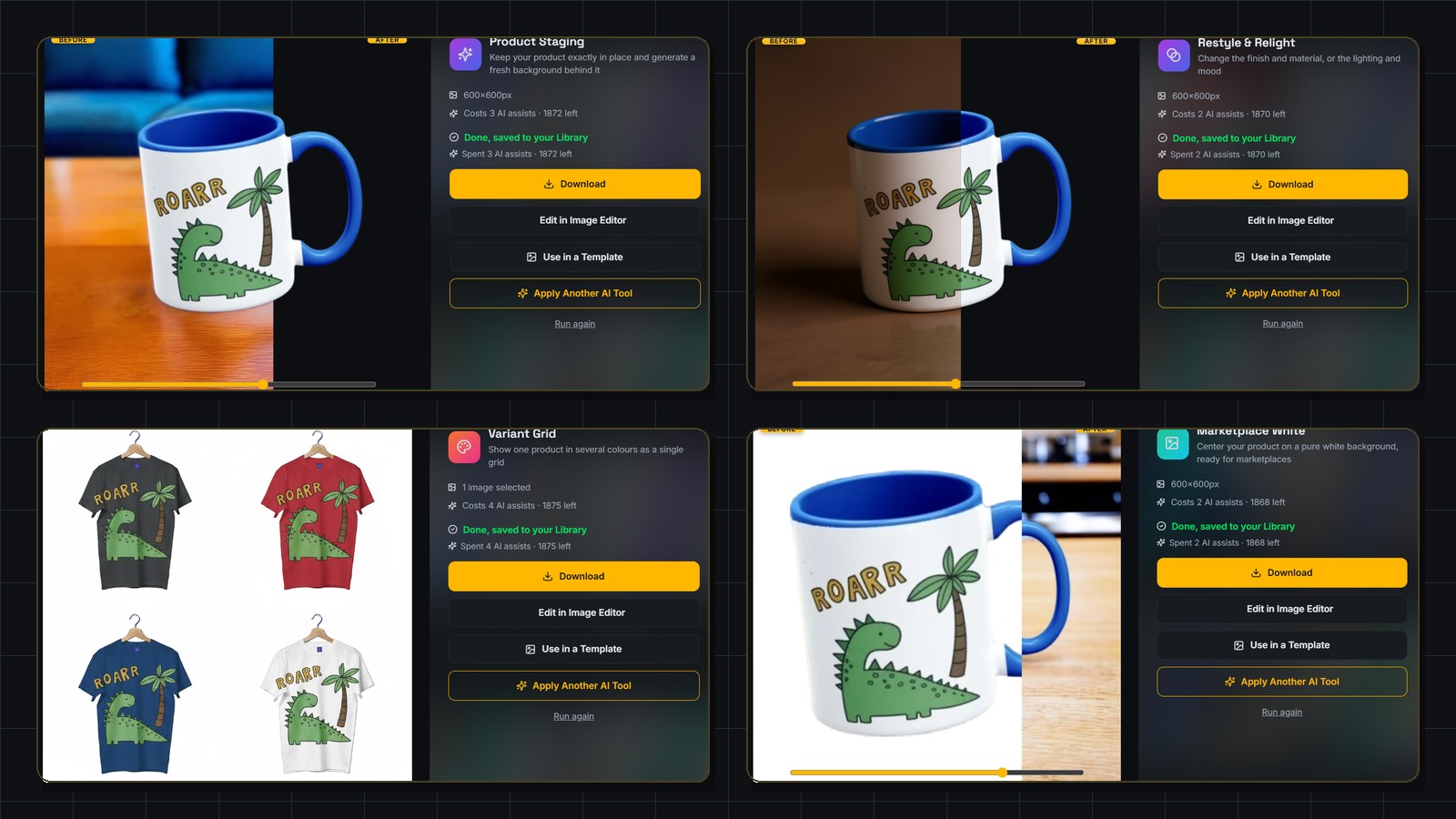
One workflow, every product.
The same workflow works across every product type:
Bring your own PSD templates and it works on anything.
Why it's faster than doing it yourself.
In Photoshop
- Open the PSD, place the design, adjust, export, rename - 8 minutes each
- One mockup at a time
- A weekend of work for a collection
In MockItReal
- Upload once, generate in seconds, unlimited
- Dozens in a single batch
- A coffee break
Questions
Do I need Photoshop?+
No. Use the library, your own PSDs, or just a product photo with AI. You never open Photoshop.
How fast is it really?+
Renders complete in seconds. A full batch finishes hands-off - start it, grab a coffee, come back to a ZIP.
Is it really unlimited?+
On every paid plan, mockups in the editor are unlimited. The free plan gives you enough to properly try everything - no card required. Bulk, API, and AI tools are metered by plan.
See it for yourself.
Make your first mockup free in under two minutes. No credit card.