T-Shirt Mockup Generator: Create Production-Ready Shirt Mockups in Minutes
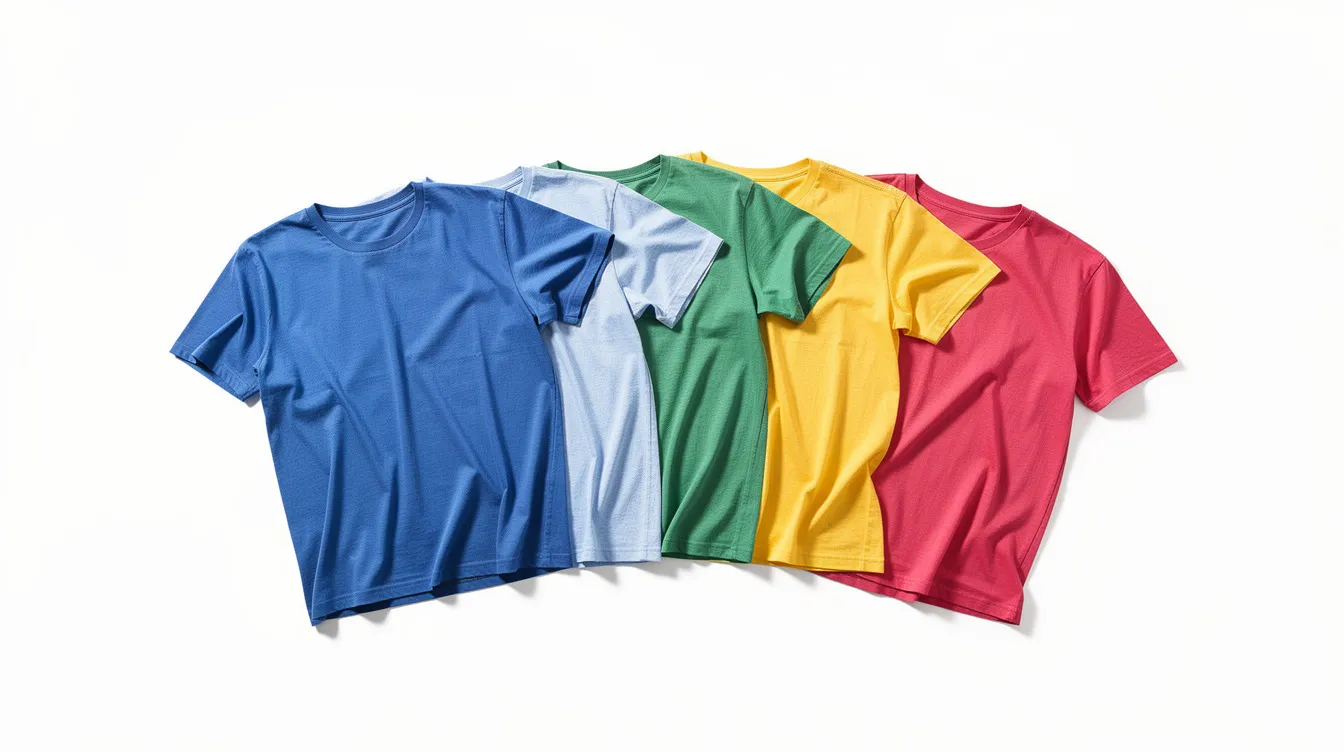
Whether you run a print on demand business, manage a Shopify store, or freelance as a designer, you already know that product images can make or break a sale. A t shirt mockup generator is the fastest way to create professional shirt visuals without booking a studio, hiring models, or printing samples you might never sell.
Fast Overview: Why You Need a T-Shirt Mockup Generator Now
A t shirt mockup generator is a digital tool that places graphic designs onto shirts, producing photo-realistic product images in your browser. Instead of arranging a live photoshoot, you upload your art, create mockups from a garment template, and export a finished image ready for your online store, social media posts, or advertising campaigns.
T-shirt mockups help visualize designs before production, which means you can test concepts, gather feedback from customers, and iterate before committing a single dollar to inventory. Mockups can also be used for testing designs before producing inventory, eliminating guesswork and reducing waste. T-shirt mockup generators eliminate the need for physical samples entirely.
Key benefits at a glance:
No photoshoots required. Mockups present apparel designs professionally without an expensive live photoshoot.
Instant product visuals. Generate stunning images for e commerce listings, ads, and lookbooks in minutes.
Test before you print. Validate a t shirt design with your audience before placing a bulk order.
Faster store launches. Go from concept to published listing the same day.
This guide is for:
POD sellers on Etsy, Amazon, and Shopify
Brand owners building an apparel collection
Agencies producing mockups at scale for clients
What Is a T-Shirt Mockup & How Does a Mockup Generator Work?
A t shirt mockup is a high-resolution, photo-realistic image of a blank shirt onto which your artwork, logo, or text is overlaid. The result looks like an actual product photo, complete with realistic fabric texture, shadows, and folds.
A mockup generator automates this process. Rather than manually editing PSD files in Photoshop, you use a browser-based tool that handles displacement mapping, lighting adjustments, and color matching. Most modern generators use smart warping and displacement maps that calculate the topology of fabric folds so your design bends naturally around wrinkles and seams. Mockup generators allow designers to create realistic images for online stores and ads without any advanced software skills. T-shirt mockup generators create realistic product visuals online, saving hours of manual work.
Here's a quick comparison:
| Aspect | PSD / Photoshop Workflow | Online Mockup Generator |
|---|---|---|
| Skill level | High - smart objects, masks, blend modes | Low - upload, adjust, export |
| Time per mockup | 10-30 minutes | Under 2 minutes |
| Hardware needed | Powerful workstation + Photoshop license | Any modern browser |
| Flexibility | Full manual control | Limited to tool features, but improving fast |
For most sellers and designers, a browser-based shirt mockup generator covers 90% of daily needs. Reserve Photoshop for one-off, highly custom projects that qualify as a standalone project.
Types of T-Shirt Mockups You Can Create
Serious sellers need more than a single flat tee image. Covering multiple mockup types across your catalog helps customers see exactly what they're buying and builds the confidence that drives conversions.
Here are the main t shirt mockups you should plan for:
Classic unisex tees (crew neck, standard fit)
Women's cuts (tapered waist, narrower shoulders)
Oversized and relaxed fit
Heavyweight blanks
Vintage and garment-dyed washed tees
Long sleeve shirts
Kids and youth sizes
Flat-lay, on-model, and scene-based presentations
Front and back view sets
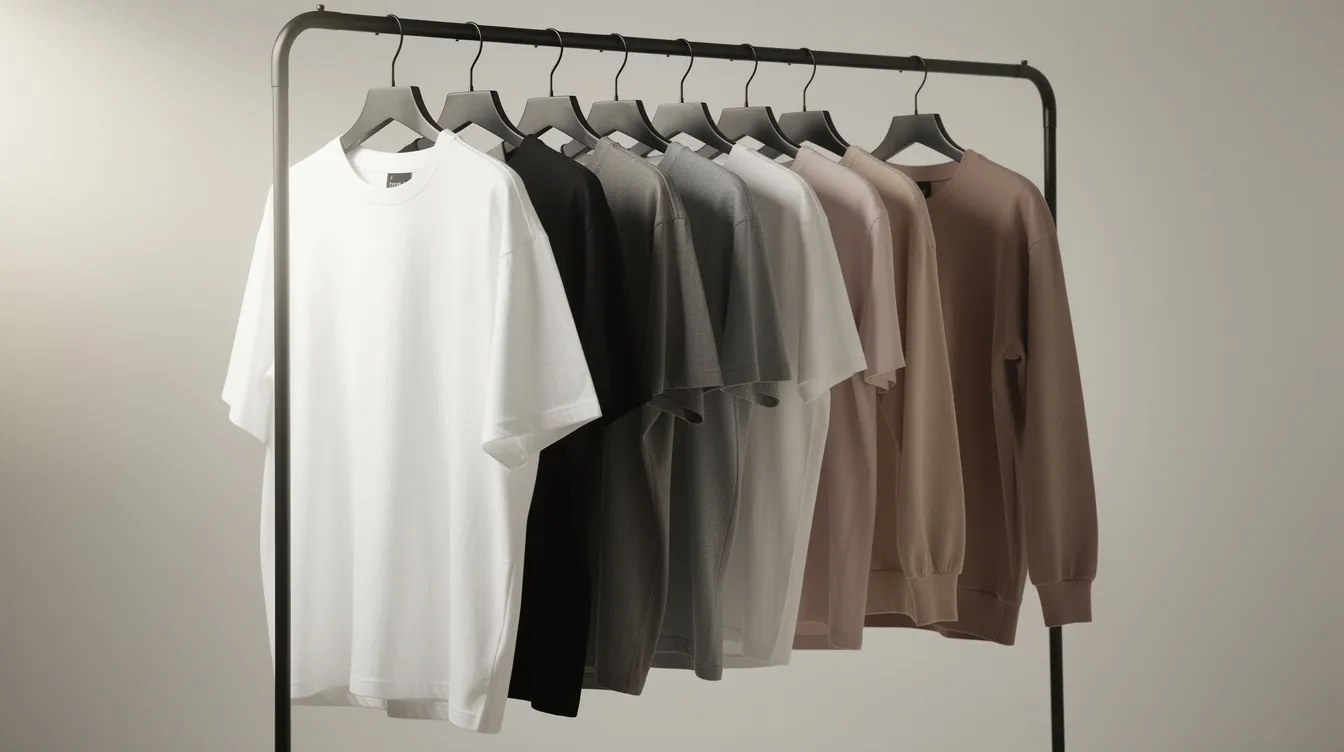
Mockups include styles like long-sleeve, flatlay, and oversized. Mock It Real provides t-shirt mockup templates for various styles, a growing library covering the templates most sellers need, with new apparel styles added regularly, so you get nearly all the templates you need. Variety matters because a long-sleeve mock ups image converts better for winter drops, kids mockups drive back-to-school sales, and lifestyle shots fuel social media engagement.
Key T-Shirt Mockup Categories (Cuts, Fits & Styles)
Getting the right garment cut in your mockup is crucial so the image matches your actual production blank. If you ship an oversized tee but show a fitted silhouette in your listing, expect returns and negative feedback.
Women's cut. Tapered at the waist with narrower shoulders. Use this when selling female-targeted fashion lines, empowerment tees, or fitted graphic shirts.
Oversized and relaxed fit. Dropped shoulders, boxy body, trending heavily in 2026 streetwear. Ideal for bold graphic prints and band merchandise. Popular streetwear trends in 2026 favor oversized and heavyweight blanks.
Heavyweight. Thick fabric in the 7-9 oz cotton range with fewer wrinkles and strong structure. Perfect for premium lines and cool streetwear brands that want a sturdy garment feel.
Vintage and washed. Vintage t-shirt mockups show real color variation and faded tones, making them ideal for retro band designs, nostalgia-driven drops, and garment-dyed art prints.
Long sleeve. Often undervalued but great for cold-season collections, layering, and sleeve print placement. Gives sellers a way to extend seasonal sales.
Kids and youth sizes. Kids' t-shirt mockups feature shorter body lengths and narrower shoulders, so they require their own templates. Use them for back-to-school campaigns or family-matching collections within the t shirt category.
Specialty variants. Pocket tees, crop tops, and polos each have distinct print areas. A pocket placement differs from a full-chest design, and your mockup must reflect that.
Flat-Lay, On-Model & Scene-Based T-Shirt Mockups
There are two broad categories of shirt mockup presentation: garment-only shots and lifestyle imagery. Both serve distinct roles for your brand.
Flat-lay mockups. A top-down photo of the shirt on a neutral background. Flat-lay mockups are effective for product listings on Etsy, Amazon, and Shopify because they give a clean, unobstructed view of the print. Use them as your primary listing image.
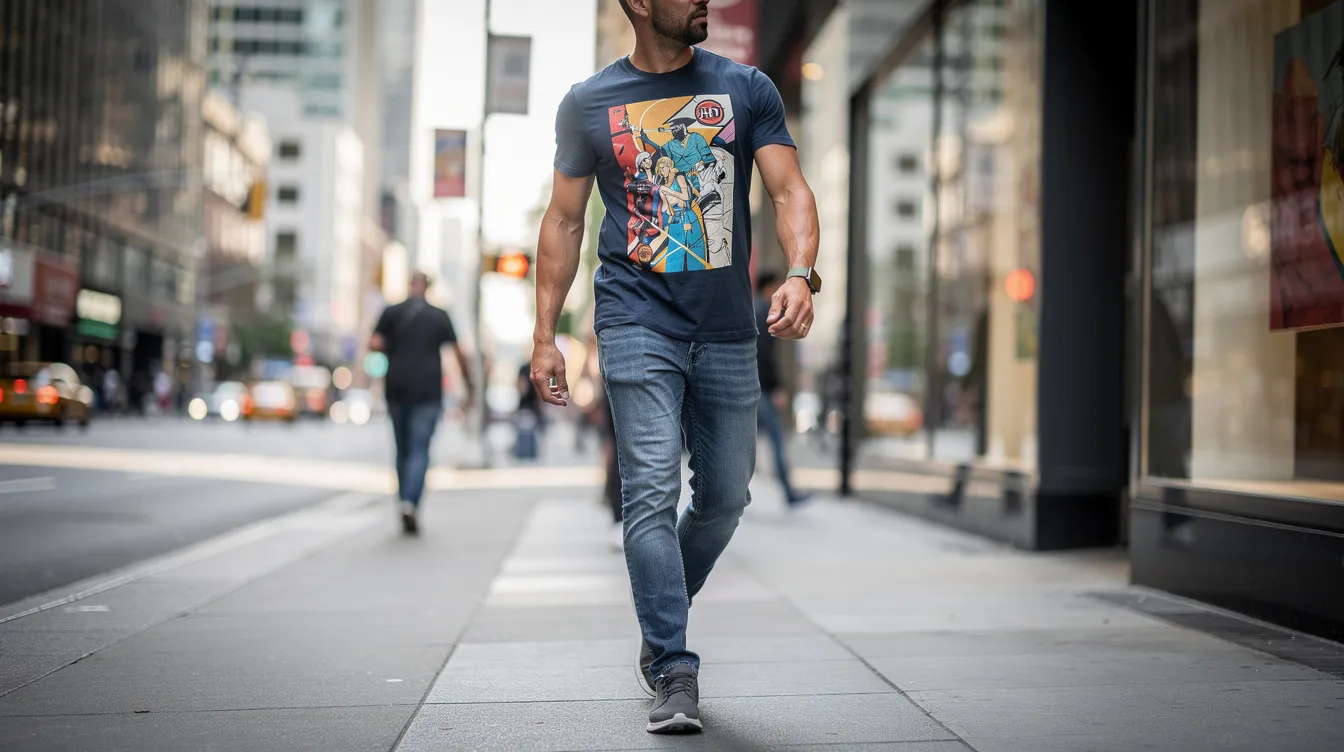
On-model mockups. On-model t-shirt mockups display natural drape across various body types, helping shoppers understand fit, scale, and neckline. They work especially well for ad creatives and Instagram posts. Using lifestyle mockups can increase engagement on social media.
Scene-based mockups. Styled with backgrounds, props, and environmental lighting, these are powerful for hero banners and brand campaigns. Apparel mockups can include lifestyle shots that reflect brand identity.
A good shirt mockup generator lets you switch between flat-lay and on-model views without re-uploading your artwork, which saves significant time when building a full product image gallery. Displaying multiple angles gives buyers confidence before purchase.
Step-by-Step: How to Create T-Shirt Mockups Online
You don't need Photoshop to create t shirt mockups that look professional. Here's a repeatable workflow you can use with any browser-based tool:
Choose a base template. Select a garment style (unisex, women's, long sleeve, kids) from the shirt mockup generator's library.
Upload your artwork. T-shirt mockup generators allow design uploads in JPG or PNG format. Use a transparent PNG or SVG at high resolution - aim for 4500 x 5400 px at 300 DPI for a full chest design.
Position the design. Use drag handles to resize, rotate, and place the t shirt design. Common placements include center chest, pocket area, or across the back shoulders. For example, placing a 2026 tour graphic on the back of a heavyweight black tee.
Customize the garment color. Use the color panel to pick a swatch or enter hex and RGB values. Mock It Real lets you change garment color using RGB values or hex color codes for precise matching.
Switch views. Toggle between front, back, and side angles. The design should automatically sync across views so you don't repeat work.
Preview at full size. Check fabric texture, color consistency, and print placement. The image should look like a real photograph.
Export. Download a high-resolution PNG with a transparent or custom background, ready for your e commerce site or paid ads.
Essential Features to Look For in a T-Shirt Mockup Generator
Not every mockup generator delivers the same quality. Evaluating features upfront will save time and money as you scale.
A large library of t shirt mockups covering different cuts, genders, ages, and specialty styles. Mock It Real provides 2,000+ mockup templates for various products, making it easy to find what you need.
High-resolution export capability - at least 3000 px on the longest side. High-resolution mockups improve product listings and marketing, especially when shoppers zoom in.
Accurate fabric textures and lighting that keep designs realistic across folds, seams, and sleeves, preserving quality at every point.
Full customization options with presets for black, white, pastels, earth tones, and vintage washes so users can customize to match production SKUs.
Multiple angles per shirt mockup (front, back, side, 3/4 view) to build complete galleries and generate a new mockup for every angle.
Batch export with high monthly render quotas so high-volume e commerce sellers can scale.
The ability to sign up for early access when new blank models drop, keeping your collection current.
When comparing online generators with free t shirt mockup downloads (static PSDs), the trade-off is flexibility vs. control. Free mockups are helpful for quick tests, but a dedicated tool with all features unlocked is far more efficient at scale.
Using T-Shirt Mockups to Boost Your E-Commerce Store
High quality mockups directly influence click-through rates, add-to-cart rates, and return frequency. High-resolution mockups help improve online product listings by giving shoppers the visual detail they expect from established brands.
Consistent front, back, and lifestyle product images build trust on platforms like Shopify, Etsy, and Amazon. Using multiple shirt mockups per listing - flat lay plus on-model plus a close-up of the print - increases perceived value and helps increase sales.
Match your mockup background style to your brand identity. A minimalist studio look works for clean, modern apparel lines. Colorful lifestyle scenes suit aspirational streetwear. Consistent backgrounds and lighting contribute to a professional brand identity across your entire website and advertising channels.
A/B test different mockup styles in your store to see which generate the best conversions. One streetwear brand switched from basic flat overlays to oversized on-model lifestyle photos with realistic fabric texture and saw noticeably higher engagement on Instagram ads and fewer returns related to fit confusion.
You can also use mockups for pre-orders and early access drops before printing inventory, validating demand with zero production risk on your site.
Free vs Paid T-Shirt Mockup Options
The landscape ranges from completely free mockups to subscription-based generators with premium libraries. Here's what to expect:
Free t shirt mockup tools typically offer limited styles, smaller export sizes (around 1024 px), or capped monthly renders. Mock It Real offers free t shirt mockup downloads with no watermark (a daily limit of clean downloads applies; previews are watermarked), making it a strong starting point for new sellers. Some platforms let you download one free PNG per session with no signup.
Free trials on paid generators usually unlock the full library for 7-14 days with export caps, letting you evaluate quality before committing.
Paid plans for active e commerce sellers range from roughly $10-$25/month for basic pro access, scaling to $50-$150/month for agencies needing batch renders or API integration. Mock It Real offers unlimited downloads in the mockup editor on paid plans, with generous bulk render quotas per tier, and many tools include an annual plan option for additional savings.
Licensing is critical. Commercial use rights are absolutely essential if your images appear on product pages, paid ads, or client work. Always verify terms before publishing.
Consider a concrete scenario: launching a 50-SKU t shirt collection. Free tools work for initial prototyping, but you'll quickly hit resolution or volume limits. A paid plan becomes cost-effective the moment you need consistent, high quality mockups across your entire catalog. It's worth the business investment.
Best Practices to Make Your T-Shirt Mockups Look Realistic
Avoid "fake-looking" overlays that undermine your brand credibility. Here's a practical checklist:
Always use high-resolution artwork with transparent backgrounds to avoid jagged edges and halos around your design.
Keep print size realistic. A standard front chest print sits roughly 10-12 inches across and 2-3 inches below the collar. Avoid covering the entire shirt unless you're intentionally designing all-over prints.
Respect typical print areas - chest, pocket, back, and sleeve - and maintain proper distance from seams and collar.
Match garment color in mockups to actual blanks used in production to prevent customer complaints and returns. Mockups should reflect the final product's appearance accurately.
Use a mix of t shirt mockups per SKU: at least one neutral flat-lay, one on-model or lifestyle shot, and one close-up showing fabric and print detail.
Avoid overusing heavy filters that distort color accuracy for online shoppers viewing photos on different screens.
Treat your mockups as a core part of your brand's visual identity, not an afterthought. They're often the first thing a customer sees - and the last thing they remember before clicking "Add to Cart."
Frequently asked questions
What size should my PNG be for a t shirt mockup? For chest prints, aim for at least 4500 x 5400 px at 300 DPI. Pocket prints can be smaller (around 1500 x 1500 px). Back prints should match or slightly exceed chest dimensions for full coverage.
Can I use t shirt mockups for commercial purposes? Most paid generators include commercial licenses, but always check each platform's policy. Free tools may restrict usage for paid advertising or client deliverables.
Do I need design software, or is a browser-based shirt mockup generator enough? For the vast majority of sellers, a browser-based generator is sufficient. You only need Photoshop for highly custom edits that go beyond what online tools offer - like compositing into a complex scene or creating a standalone project with layered effects.
How many mockups should I use per product listing? Use at least 3-5 per listing: one flat-lay, one on-model, one back view, and one or two lifestyle or close-up shots. More photos consistently correlate with higher conversion rates.
Can I create kids and polo shirt mockups with the same generator? Yes. Most generators support multi-category garment libraries. Look for tools that cover the full t shirt category plus specialty items like polos, hoodies, and crop tops.
Is there a truly free t shirt mockup generator with no watermark? Yes. Mock It Real offers free t shirt mockup downloads with no watermark (a daily limit of clean downloads applies; previews are watermarked). Free tiers on other platforms may limit resolution or monthly exports, but usable no-cost options exist for sellers just getting started.